Better brand visuals without the production cost
Modern image tools have changed what's possible for small business branding. Here's what you need to know - the benefits, risks, and how to get it right.
The visual content treadmill
You need images constantly. Social media posts. Website banners. Product shots. Marketing materials. Presentations. The modern business runs on visuals, and the demand never stops.
Professional photography costs hundreds per session. Graphic design isn’t cheap either. Stock photos are affordable but generic - and your customers have seen them all before. So you end up posting nothing, reusing the same three photos, or settling for visuals that don’t represent your brand at all.
It’s a frustrating position to be in, especially when you know that how your business looks online directly affects how credible it feels.
What’s now possible
AI image generation has exploded over the past year, and the capabilities are genuinely impressive. You can describe what you want in plain English - “a flat lay of coffee and a notebook on a wooden desk, morning light, warm tones” - and get a usable image in seconds. Not a rough sketch. A polished, high-resolution image you could post to Instagram today.
The adoption has been staggering. AI image generation has gone from a novelty to a standard part of the creative workflow in under two years. Entrepreneurs and solo operators who never had a design budget are producing their own visuals for the first time. Creative professionals increasingly treat these tools like any other part of their toolkit - not a replacement for skill, but a multiplier of it.
The tools available range from Google’s Nano Banana (the image generator inside Gemini) to Midjourney, DALL-E (built into ChatGPT), Adobe Firefly, Canva’s AI features, and platforms like Higgsfield that combine image and video generation. Many offer free tiers or are included in subscriptions you might already have.
What used to require a photographer, a studio, and a designer can now be explored, iterated on, and produced from your laptop.
That said, making these images on your own laptop is not effortless. The tools are accessible, but getting results that actually look professional takes real skill. It’s the hours spent learning how the AI reads your words, structuring prompts with the right level of detail, understanding negative space, lighting cues, and composition - that’s what separates a generic output from something that genuinely represents your brand. Prompting well is a skill, and it takes practice.
The real benefits
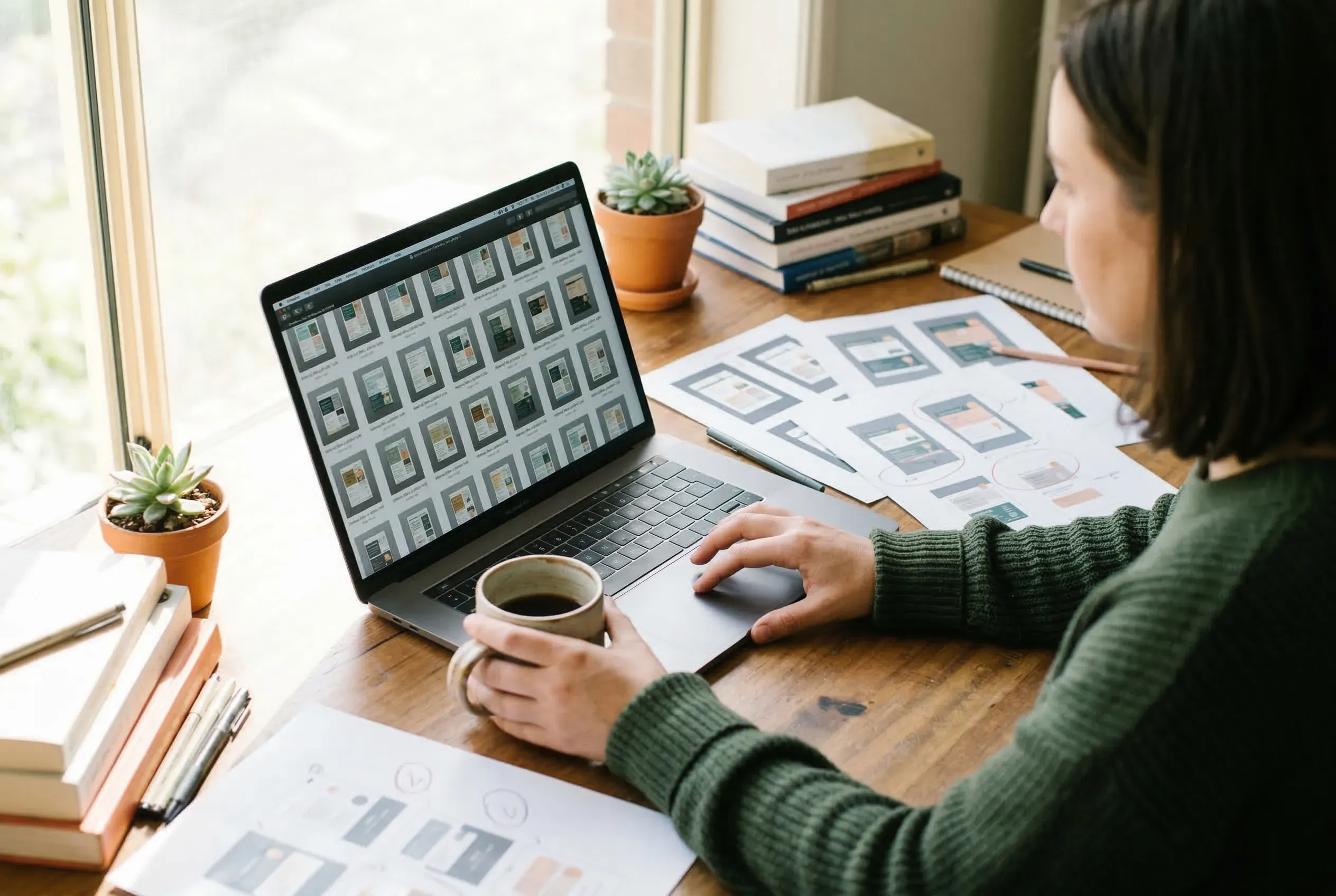
Speed. What took a photoshoot to produce now takes minutes. Need a hero image for a blog post? A product mockup for a pitch? A social graphic for tomorrow? You can have it in the time it takes to make a coffee.
Cost. Many AI image tools are free or included in ~$20/month subscriptions. Even the premium options are a fraction of what traditional production costs.
Consistency. Modern AI tools include features like character lock that maintain the same face, style, or brand elements across multiple images. This means your social feed can look cohesive without a designer enforcing brand guidelines on every post.
Iteration. Don’t like the lighting? Want a different angle? Prefer warmer colours? You describe the change in plain English and get a new version. No reshoots. No revision fees. No waiting.
Volume. You can generate dozens of variations and pick the best. This kind of creative exploration used to require multiple rounds with a designer or photographer - now it happens in minutes, so more of the budget goes into refining the right direction rather than paying for attempts.
The authenticity question
Here’s where it gets important, because the benefits come with real risks.
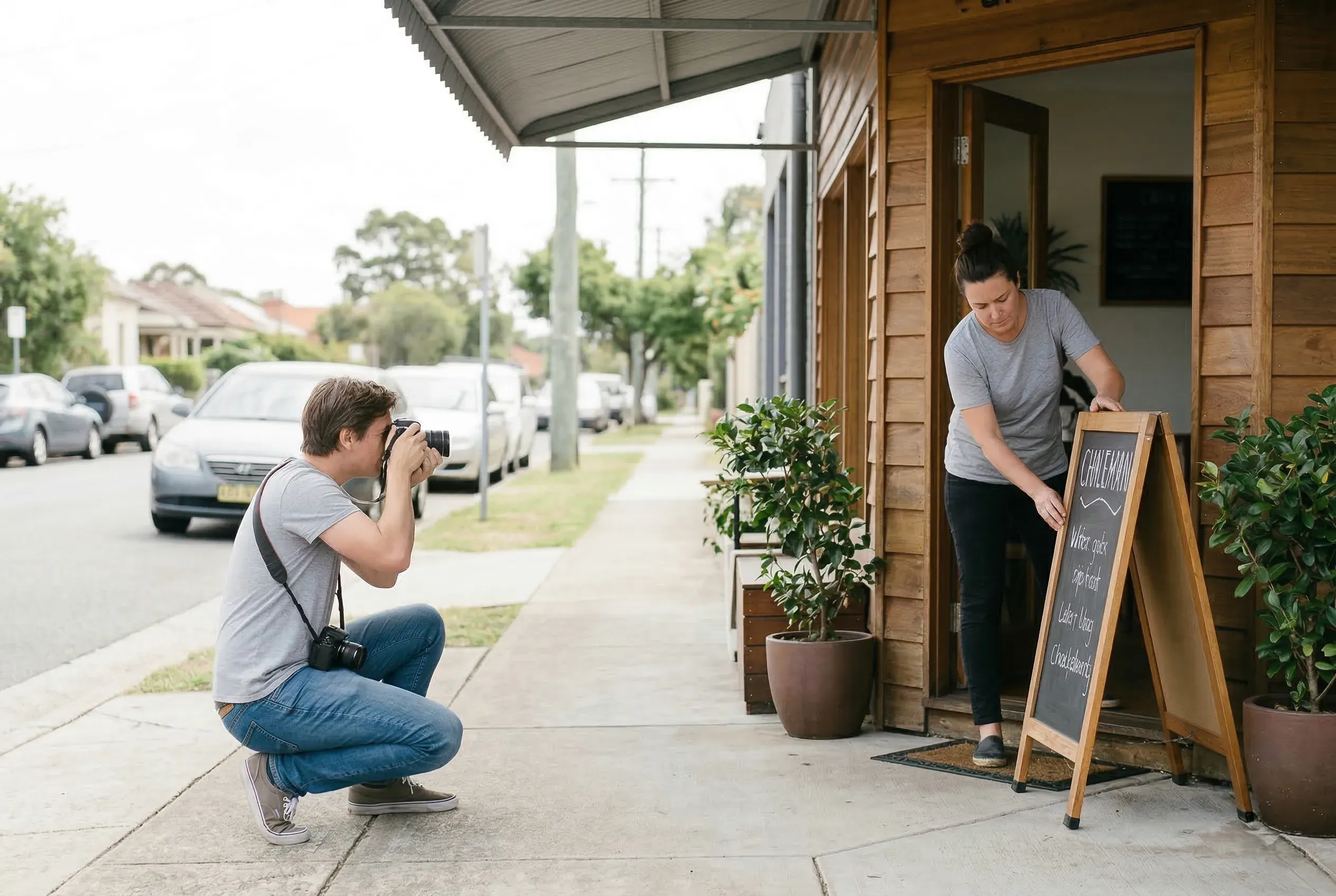
Consumers are increasingly sceptical of visuals they suspect were machine-made. The trust gap is real - people notice when imagery feels generic or synthetic, and it colours how they feel about the brand behind it. There’s also a growing “sameness” problem - when everyone uses the same tools with similar prompts, brands start looking interchangeable.
This isn’t a reason to avoid AI image generation. It’s a reason to use it thoughtfully.
The approach that works is straightforward: use AI for volume and iteration - social posts, internal materials, mockups, concept exploration, secondary images - while investing in real photography and professional design for the assets that define your brand.
Your hero images, your team photos, your logo, your core brand identity - these should feel human, because people made them. AI extends your visual capacity. It doesn’t replace your visual identity.
A few principles to keep in mind:
- Be specific in your prompts. Vague descriptions produce generic results.
- Use reference images to maintain consistency across outputs.
- Always check commercial usage rights before publishing. Different tools have different licensing terms.
- If you’re a business over $1M revenue, check the fine print - some platforms require higher-tier plans for commercial use.
- Be transparent. Consumer trust increases when businesses are upfront about AI use.
What’s happening in this space
The landscape is moving fast. Google’s Nano Banana went from an internal codename to one of the most-used image generators in the world in under a year. Midjourney remains the go-to for distinctive, artistic visuals. Adobe Firefly offers the strongest commercial licensing because it’s trained on licensed content. Canva has woven AI generation into its existing design workflow, making it the quickest path from idea to social post. Platforms like Higgsfield are pushing into video alongside images.
The specific tools will keep evolving - some of what’s cutting-edge today will be outdated in twelve months. What won’t change are the principles: quality prompts produce quality results, consistency matters, and commercial rights need checking.
How others are using it
Small businesses are finding practical, everyday uses that don’t require any design expertise:
- Product mockups before a photoshoot - generate concepts to plan exactly what you need, so the real shoot is focused and efficient.
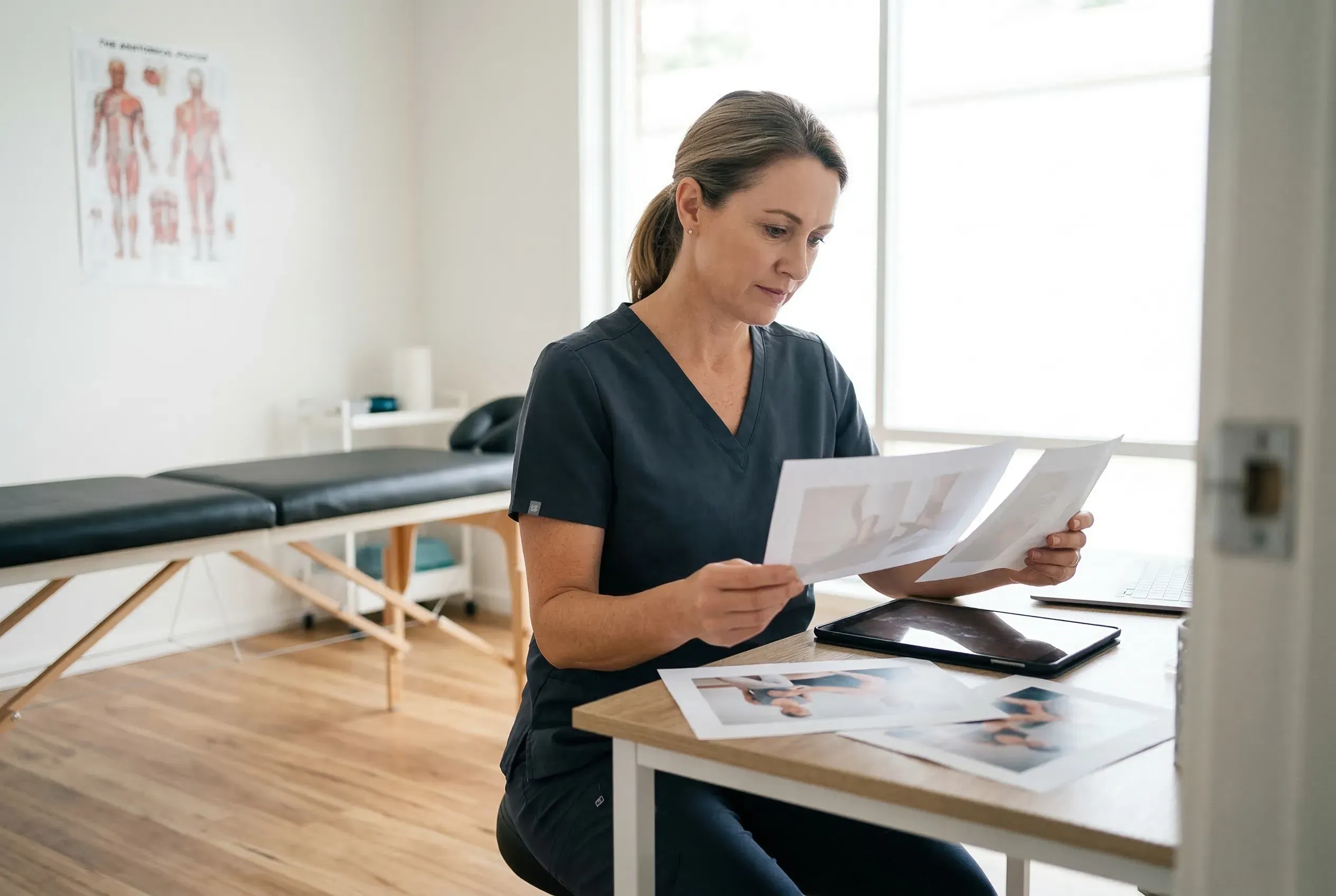
- Lifestyle imagery for service businesses - a physiotherapist, accountant, or consultant can generate imagery that represents their brand without hiring models or staging scenes.
- Social media at scale - producing the volume of visuals that social media demands, without the production budget of a large company.
- Brand exploration - testing colours, styles, and visual directions before committing to a designer, so you arrive at the briefing stage with a clearer idea of what you want.
- Seasonal and campaign content - generating holiday graphics, promotional images, or event materials quickly and affordably.
When AI isn’t enough
AI is brilliant at volume, variation, and speed. It’s less good at meaning.
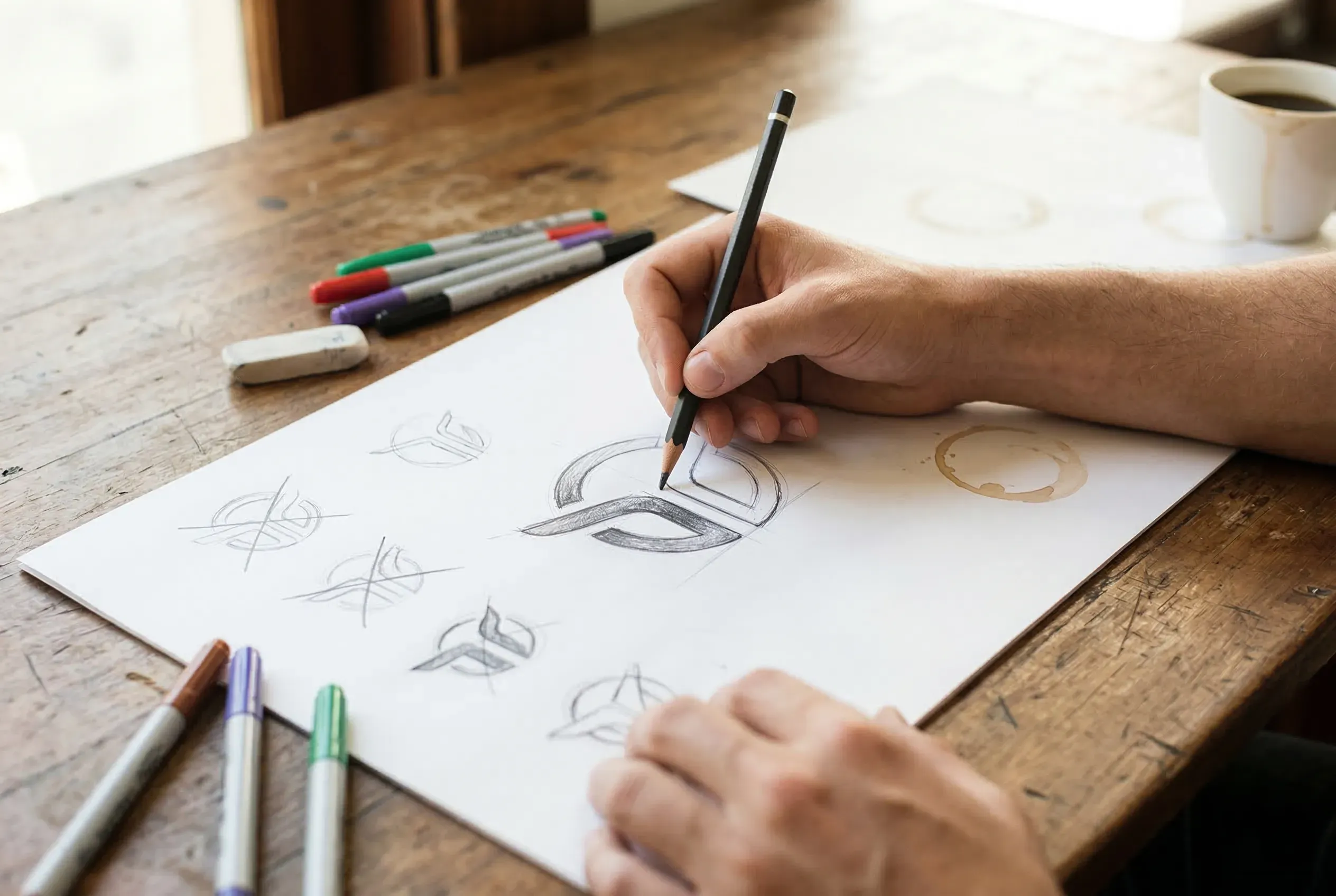
Your logo needs to tell a story about your business. Your team photos need to show real people. Your hero photography needs to feel authentic because, for many customers, that’s the first impression.
The smart approach is using both: AI for the everyday visual workload that would otherwise go unmet, and professional creative work for the assets that define who you are.
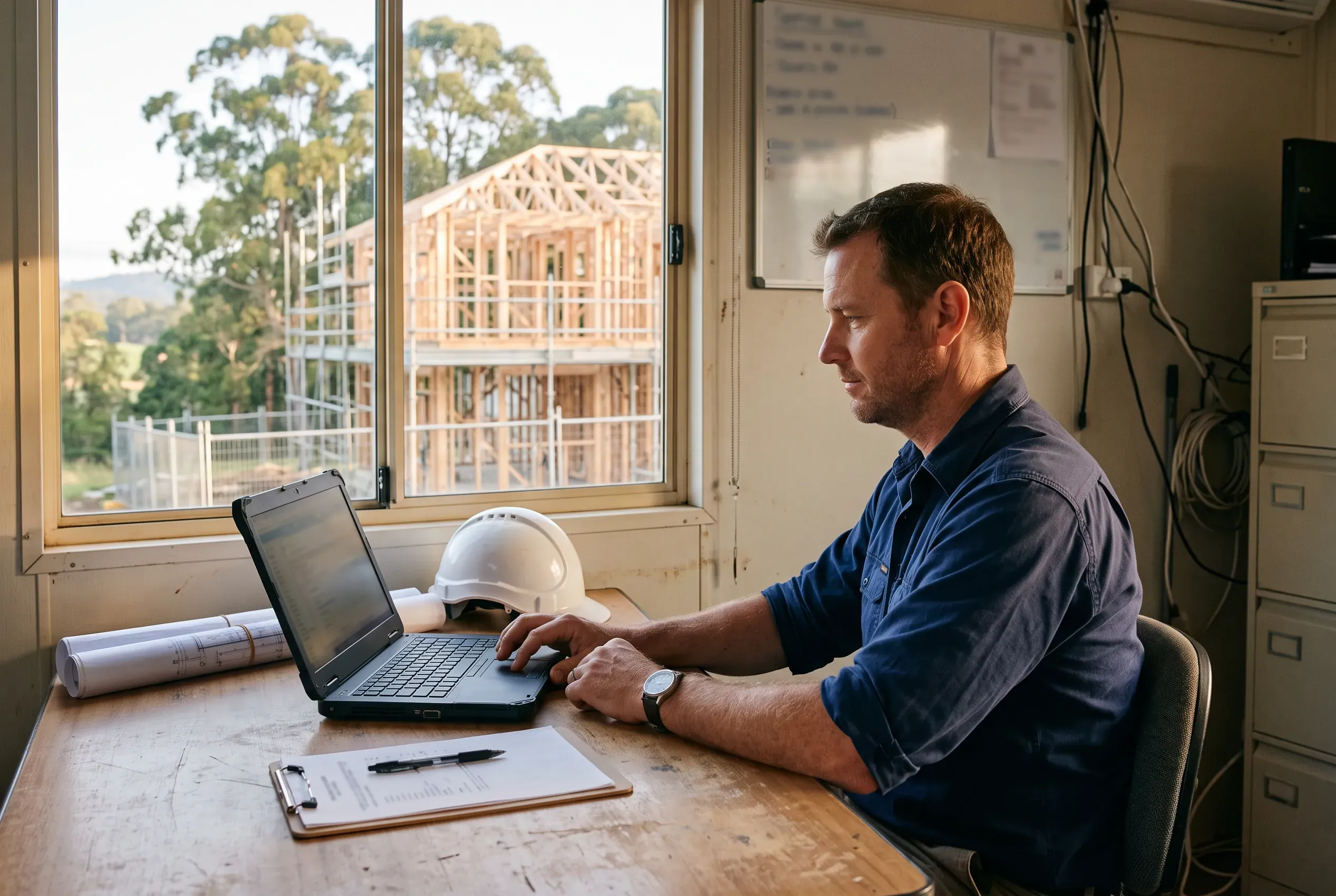
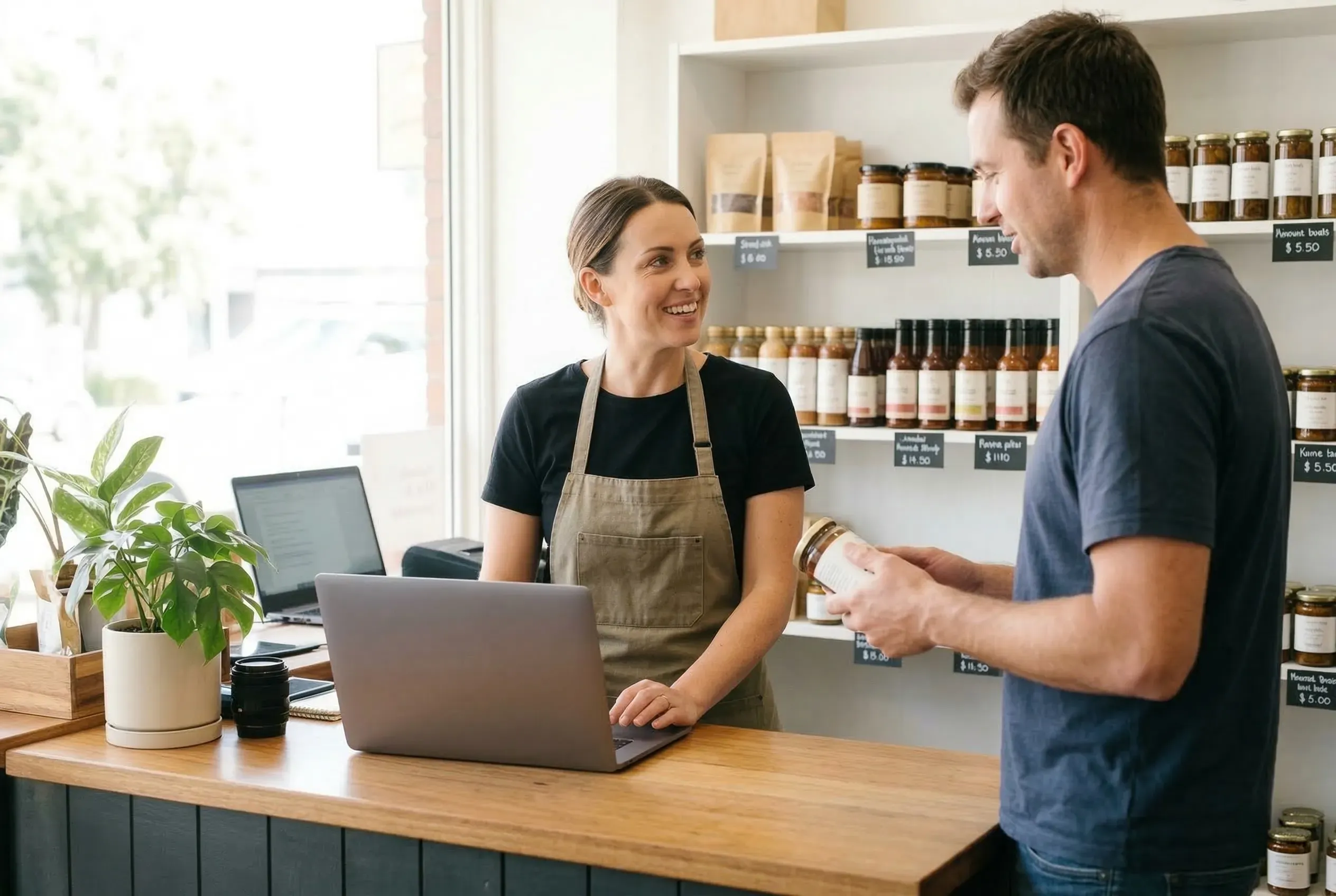
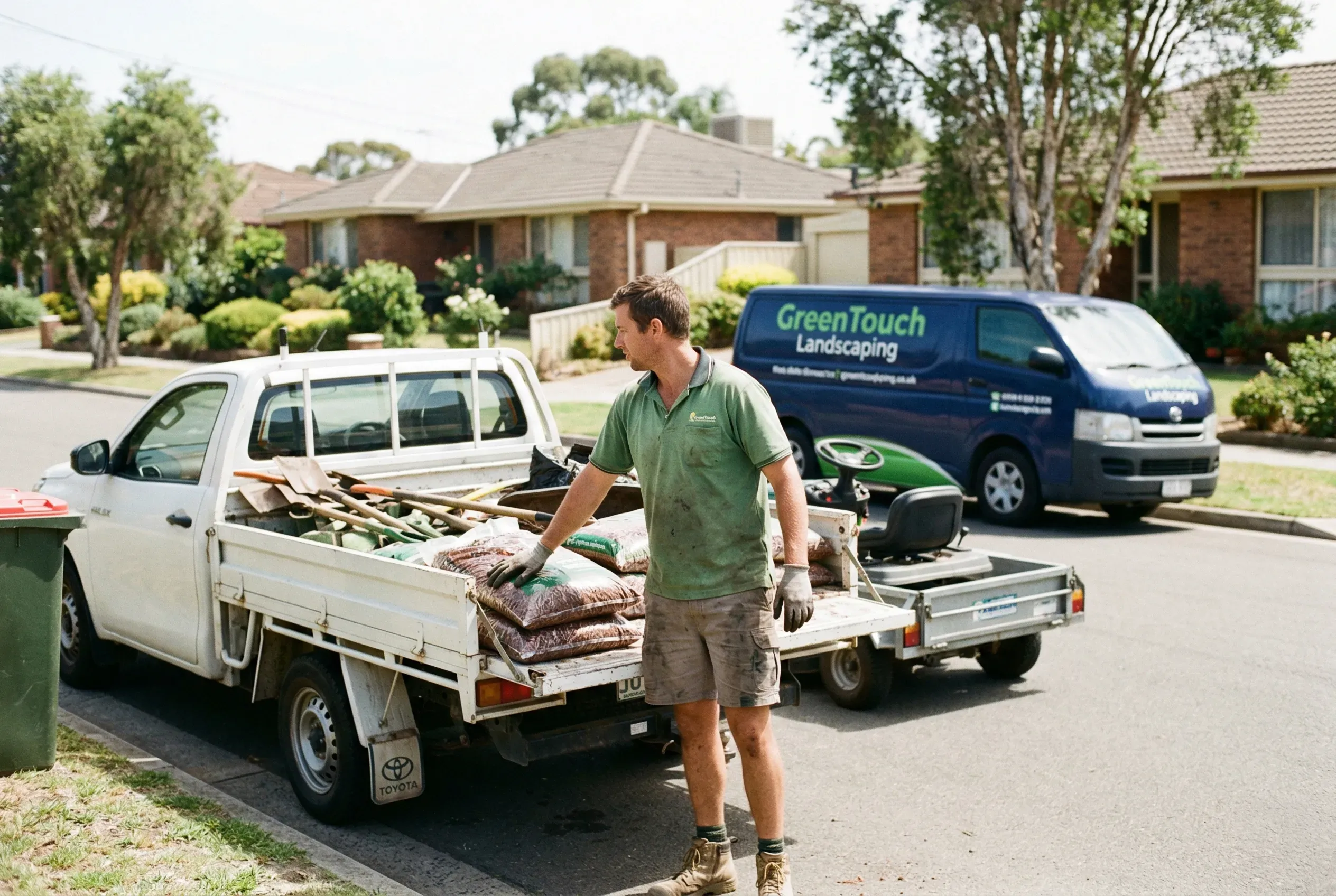
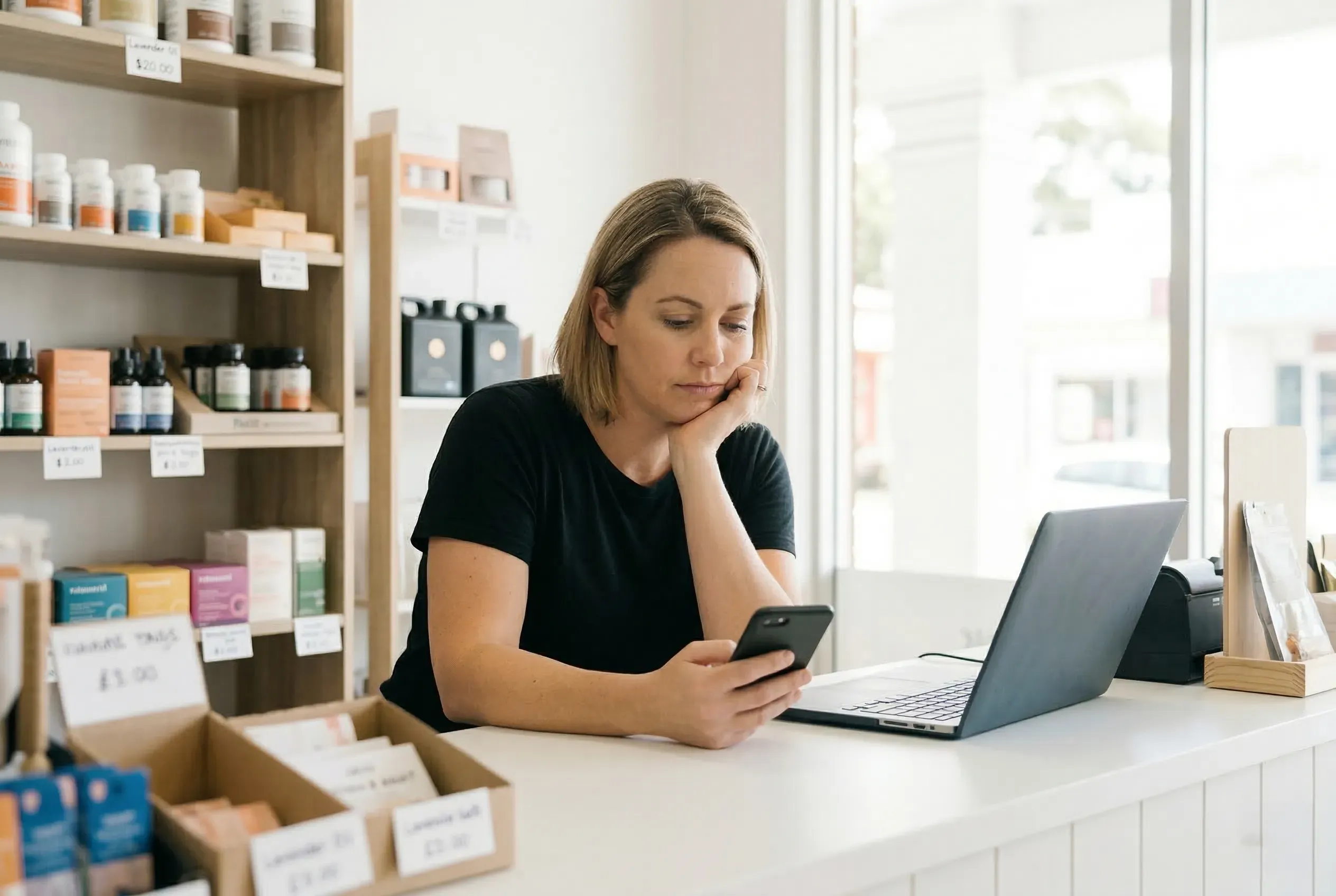
Every image in this article was generated with Google’s Nano Banana 2, the image model inside Gemini. No stock libraries. No photoshoots. If you scrolled past those images without wondering how they were made, that’s the point - and it’s exactly the kind of result a small business can achieve with the right workflow.
Frequently asked questions
What AI tools can I use for brand visuals?
Will customers trust AI-generated images?
Do I need design skills?
Can I use AI images commercially?
Should AI replace professional photography entirely?
How we can help
Modern websites, brand identity, visual assets, and content - built to help your business get found and look the part.
- 01
Get in touch and
tell us what you need. - 02
Review where you are
and what is holding you back. - 03
Get a clear proposal
with scope and pricing.
No obligation, no hard sell.
Based in Northern NSW · Australia-wide
Message sent
Thanks, your message is on its way to Mike. He reads every enquiry personally and will be in touch soon.