Where AI saves time for tradies and construction
Quoting, takeoffs, site records and enquiries for Australian trades - useful platforms, what AI handles well, and what still needs a human check.
Construction is a physical industry, but an enormous amount of the work involved in running a construction or trade business happens away from the tools.
There are plans to read, jobs to price, suppliers to coordinate, schedules to update, customers to call, invoices to process and site records to maintain. For a small trade business, much of that ends up with the owner after everyone else has gone home. In a larger construction business, it spreads across estimators, supervisors, project managers and office staff.
This is where artificial intelligence is becoming useful. It is about using software to deal with some of the repetitive work surrounding the trade: organising information, preparing documents, finding things, moving information between systems and giving people a much better starting point for work they still need to review.
There are also real limitations. AI can be confidently wrong, construction information can be commercially or personally sensitive, and a mistake in a quote, safety document or technical recommendation has very different consequences from a mistake in an Instagram caption.
The opportunity isn’t to automate the trade. It’s to remove the unnecessary work surrounding it.
Start with the business, not the AI
There are now thousands of AI products promising to automate your business, save hours every week or fundamentally change the way you work. Starting with the software is usually the wrong way around. Start instead by looking at how a job actually moves through your business.
For a fairly ordinary service job, that might be:
Enquiry → booking → site visit → quote → scheduling → job → site records → invoice → payment → follow-up
There may be opportunities to improve almost every stage, but not all of them require AI. Sometimes a normal automation is enough. AI becomes useful where somebody currently has to read, interpret, write, classify or organise information manually.
A few questions will normally uncover the best opportunities:
- What does the owner still do at night that could have been prepared during the day?
- What information gets entered into more than one system?
- Where do jobs regularly get held up?
- What do field staff hate documenting?
- What does the office repeatedly have to chase?
- What information is difficult to find when somebody needs it?
- Where do mistakes or missing information regularly cost money?
- Which repetitive tasks consume hours without directly earning anything?
For many trade businesses the answers are mundane. Quotes take too long to get out. Technicians don’t record enough information. Supplier invoices aren’t attached to the right jobs. Someone in the office spends Friday afternoon copying information between systems.
Those are exactly the problems worth fixing.

Get the foundations right first
AI works much better when the business underneath it is already organised.
If one supervisor records information in a job-management app, another uses Notes on their phone and somebody else sends site photos into a WhatsApp group, adding AI on top doesn’t suddenly create a reliable system. It simply gives the AI several different places to look for incomplete information.
The same applies to estimating. If labour hours haven’t historically been recorded properly, supplier pricing is out of date and completed jobs aren’t reviewed against their original estimates, an AI forecasting system has very little trustworthy information to work with.
Before attempting anything advanced, get the basics into reasonable shape:
- customer and job information has a reliable home
- project documents are organised
- supplier and price-book data is reasonably current
- job statuses mean the same thing to everyone
- timesheets and job costs are captured consistently
- field information is recorded digitally where practical
- staff know which system is the source of truth
For many businesses this means the most important technology decision isn’t choosing an AI product at all. It’s choosing and properly implementing a good job-management system.
Your job-management system is becoming the centre
For service trades in particular, the job-management platform is increasingly the centre of the technology stack. It holds the customers, jobs, appointments, quotes, notes, invoices and field records that everything else depends on.
A sole-trader electrician doing residential maintenance has very different requirements from a mechanical contractor with 30 technicians, commercial maintenance agreements and thousands of managed assets. AI doesn’t change that. It makes choosing the underlying platform more important, because some of the most useful AI capabilities are now built directly into the software that already holds the relevant information.
ServiceM8 - Sole traders and smaller service teams. Mobile job management, customer communication, quoting, native AI assistance.
Tradify - Small teams wanting a straightforward system. Cross-platform job management, quoting, invoicing, AI-assisted bill processing.
Fergus - Growing trade businesses. Job costing, margin visibility, supplier invoices and integrations.
Simpro - Larger and more complex field-service businesses. Assets, commercial service, inventory, workforce management, AI scheduling.
Procore - Construction project teams. Drawings, specifications, RFIs, submittals, project data, construction-specific AI.
OpenSpace - Builders needing detailed site records. 360 degree reality capture, visual documentation and progress tracking.
This isn’t a ranking. The best platform is the one that fits the work and that your team will actually use.
ServiceM8 suits smaller service businesses and has been adding AI directly into its existing workflow: drafting customer emails and texts, preparing quote and invoice descriptions, summarising jobs, building reports, and performing tasks through its Smart Helper.
Tradify takes a straightforward approach across iOS, Android and the web. Its SmartTools use AI for reading supplier bills, extracting costs and helping with customer-ready writing, quoting and invoicing.
Fergus focuses on job costing and helping trades understand whether individual jobs are actually making money. For Australian plumbers and electricians its supplier integrations can be useful, with invoices from suppliers including Reece and Tradelink imported and matched to jobs automatically.
Simpro sits further towards larger and more operationally complex field-service businesses. Its AI scheduler can consider technician location, availability, skills, licences, certifications and job history when building schedules. Rather than asking a chatbot to create tomorrow’s calendar, the intelligence sits inside the system that already understands the technicians and the work.
Where AI can genuinely save time
Once the basic systems are working properly, there are several parts of a trade or construction business where AI makes a meaningful difference.
Enquiries and missed calls
A missed call is expensive for a service business. If somebody has a burst pipe, failed air conditioner or electrical fault, they are unlikely to leave five voicemails and patiently wait for everyone to call back. They will keep calling until somebody answers.
Modern AI voice systems handle much more natural telephone conversations than the old press-one-for-sales systems. A properly configured service can answer after-hours calls, collect the customer’s details, ask what has happened, determine whether the work fits the business and potentially offer an available booking time.
The important part is deciding what it shouldn’t do. An AI receptionist shouldn’t invent prices, promise an arrival time the business can’t meet, or give technical advice that could create a safety issue. There also needs to be a clear way to escalate unusual or urgent situations to a person.
Instead of starting the morning with “I’ve got a problem with my hot water, can someone call me back”, the business starts it with the customer’s name, address, system type, description of the fault, urgency and preferred availability already recorded.
Better site notes without more typing
The office wants detailed records, but a technician who has just finished a long day doesn’t want to stand beside the ute typing paragraphs into a phone.
Voice transcription combined with AI makes that much easier. A technician describes what they found and what they did before leaving the job, and a two-minute voice note becomes:
- work completed
- faults identified
- parts or materials used
- relevant observations
- recommendations for the customer
- follow-up work required
- a clean invoice description
The technician still checks the record before closing the job, but most of the writing is done.
Good field technology should make recording the information easier than not recording it.

Quotes and scopes of work
AI is extremely useful in quoting, but there is an important distinction between preparing a quote and deciding what a job should cost.
A builder who has just inspected a renovation can dictate the scope while it is fresh rather than returning to the office with photos and handwritten notes. AI organises those notes into sections, cleans up the wording, identifies missing information and prepares a draft scope:
Site inspection → notes, measurements and photos → AI prepares draft scope → quantities and pricing added → estimator reviews → final quote
For repetitive service work the process can go further. If the business already holds standard labour units, materials, assemblies and markup rules inside its job-management system, AI can help build much more of the draft.
An experienced person needs to check quantities, labour, access, supplier pricing, margin, risk, exclusions and the final price.
A $300 service call and a $300,000 construction quote should not have the same approval process.
Plan reading and quantity takeoffs
Traditional takeoffs involve working through drawings, measuring areas and lengths, counting items and transferring quantities into estimating software. Computer vision and construction-specific AI now accelerate a significant amount of that repetitive work.
Platforms such as Kreo can analyse construction drawings, detect scale and drawing regions, compare revisions and assist with takeoffs. Depending on the trade and software, AI-assisted workflows can help identify or measure walls, doors and windows, floor and wall areas, light fittings and power points, plumbing fixtures, mechanical equipment, pipe or cable runs, and repeated rooms or assemblies.
For an electrical estimator, automatically locating hundreds of fittings across a plan set removes a lot of repetitive clicking.
Faster doesn’t mean infallible. Poor scans, unusual symbols, incorrect scales, drawing revisions and inconsistent documentation all create errors.
Let the software do more of the counting. Let the estimator do the estimating.
Searching enormous project document sets
A construction project can contain thousands of pages across drawings, specifications, RFIs, submittals, contracts, variations, schedules, site instructions, meeting minutes and product documentation. Finding one piece of information can take longer than acting on it.
Procore’s AI tools can reason across project specifications, drawings, RFIs and submittals and return answers linked back to the relevant source, and its newer agents help prepare RFIs, review submittals and turn field information into daily logs.
The link back to the source is critical. If somebody asks what the specified fire rating is for a wall, a useful system shouldn’t simply answer “60/60/60”. It should show where that answer came from so the project team can verify it.

RFIs, variations and project correspondence
Construction produces a lot of repetitive writing. A supervisor might understand a problem perfectly but still need to turn it into a clear RFI. A variation needs to explain what changed and why.
AI can prepare the first draft of RFIs, variation descriptions, progress updates, meeting summaries, site instructions, subcontractor correspondence, defect descriptions and handover information.
For a variation, the supervisor records what changed, why, and what work is affected. AI turns that into a structured description. The estimator adds the correct cost, the project manager checks the contractual implications, and the document goes through the normal approval process.
Scheduling and dispatch
Scheduling gets dramatically harder as a service business grows. With two technicians you can manage it in your head. With 20 technicians, different qualifications, changing job durations, emergency work, traffic and multiple service areas, it becomes a genuine optimisation problem.
The result doesn’t need to be a completely autonomous schedule. Giving a dispatcher a much better starting point is valuable on its own. Cutting unnecessary travel across a field team recovers meaningful productive time over a year, while giving customers more realistic arrival windows.
Site capture and progress records
Construction sites change constantly, and once work is covered up the information can be difficult or impossible to recover.
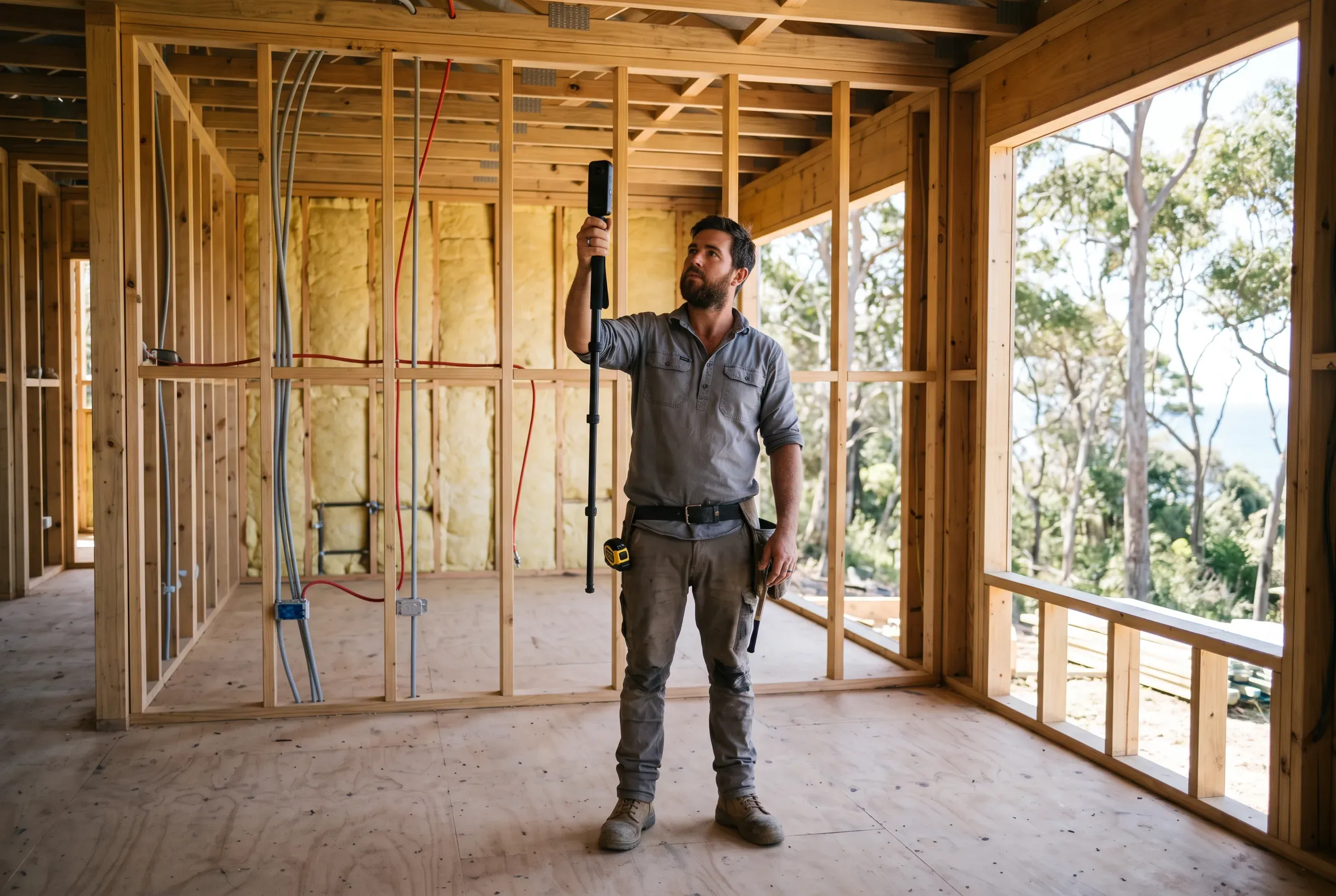
Reality-capture platforms such as OpenSpace let teams record site conditions using smartphones and 360 degree cameras. That helps with documenting concealed services, progress verification, remote project review, resolving disputes, defect management and handover records. OpenSpace also uses AI-assisted progress tracking to compare captured conditions against project tasks, with human review retained in the process.
What was behind this wall before we closed it? If the site has been consistently captured, the answer is available in seconds rather than requiring guesswork, destructive investigation or a phone call to someone who worked on the project six months ago.
Safety and compliance
AI is increasingly used with cameras and site imagery to identify missing PPE, people entering exclusion zones and other potentially unsafe conditions. That is another useful layer of observation, but it isn’t a replacement for competent supervision.
Construction sites are difficult visual environments. People can be partially obscured, lighting changes, equipment moves, dust and weather interfere with cameras, and the same object looks very different from another angle.
The same principle applies to AI-generated SWMS, toolbox material and compliance documentation. AI can structure information, prepare a first draft and make existing material easier to search, but a competent person still needs to make sure it reflects the actual task, site and hazards.
The office side
A good operational flow means supplier invoices arrive electronically, are matched to the correct jobs, update actual job costs, sync with the accounting platform and contribute to an accurate final invoice. Add automatic quote follow-ups, payment reminders and review requests, and a large amount of routine office work happens without somebody remembering to initiate every step.
AI is useful where the incoming information isn’t perfectly structured: reading an invoice, extracting the relevant fields, interpreting an enquiry, deciding which workflow something belongs to. But don’t overlook ordinary integration. If connecting your supplier account to your job-management system saves the office three hours a week, that beats an impressive AI tool nobody uses.
Where automation fits
Once the core software is working properly there will usually still be gaps between systems, and automation platforms such as Make, Zapier and n8n can connect them.
New enquiry. Website form → customer and job record created → AI summarises and categorises the enquiry → correct staff member notified → acknowledgement sent.
Completed job. Job completed → invoice process triggered → review request scheduled → job flagged for marketing if suitable.
Project lead. Enquiry received → AI extracts project type, location, budget and timing → CRM updated → lead routed to the right person.
AI isn’t doing every step. Normal automation handles the predictable actions and AI handles the parts that require interpretation, which makes workflows cheaper, more reliable and easier to troubleshoot.
What about AI agents
Agents take this a step further. Rather than following one fixed workflow, an agent is given access to tools and information and works through several steps towards a goal. An estimating agent might receive a tender package, identify the relevant drawings and specifications, extract the scope, prepare quantities, identify missing information, draft RFIs, reference the price book, prepare an initial estimate and present everything to the estimator for review.
That is much more capable than a chatbot, which means there is more that can go wrong. For most small and medium trade businesses a sensible progression is to increase autonomy gradually: let AI prepare information, then let it recommend actions, then allow low-risk actions to happen automatically once the process is proven, while keeping approval around anything with meaningful commercial, legal or safety consequences.
There is no prize for having the most autonomous business. A workflow that reliably completes 80% of the administrative work and hands the important 20% to an experienced person is an excellent system.
At the more technical end, AI is beginning to interact directly with BIM and design software through Model Context Protocol, a standard way for AI systems to connect to external tools and information. In theory an authorised assistant could interrogate a model in plain language: show me the doors on Level 2 that don’t match the current door schedule. There are already experimental integrations with products such as Revit and the area is moving quickly. For most small builders and trade businesses, though, it isn’t where to start.
What AI still gets wrong
AI has become remarkably capable, but construction isn’t a forgiving environment for plausible guesses.
Protect customer and project information
Construction businesses often hold more sensitive information than they realise. Plans can reveal the layout of someone’s home. Site records can include addresses, access information, alarm details and photographs inside private properties.
The OAIC recommends as a matter of best practice that organisations don’t enter personal information, particularly sensitive information, into publicly available generative AI tools.
Before connecting an AI product to company information, understand what information is being sent, why the AI needs it, where it is processed and stored, who can access it, how long it is retained, whether it is used to train external models, which other services receive it, and what administrative controls are available.
Business and enterprise AI products provide substantially stronger controls than free consumer accounts, but paying for a product doesn’t remove the need to understand its data handling. The ordinary security fundamentals matter just as much: multi-factor authentication, individual staff accounts, removing access when people leave, keeping software and devices updated, avoiding unnecessary integration permissions, maintaining backups, and knowing who is responsible for your systems.
Keep a human in the loop
The amount of oversight should depend on what happens if the AI gets something wrong.
| Use | Sensible approach |
|---|---|
| Drafting a social post | AI does most of the work, quick review before publishing |
| Preparing site notes | AI structures the information, technician checks it |
| Customer email | AI drafts, staff member reviews where appropriate |
| Quote or variation | AI assists, experienced person verifies scope, cost, terms |
| Takeoff | AI accelerates measuring and counting, estimator checks it |
| NCC or Standards research | AI helps locate information, primary source is verified |
| Safety or compliance decision | Qualified person remains responsible |
This doesn’t make AI less useful. It puts it in the right part of the process.
Once several people in the business start using AI, it is worth keeping a simple record. The Australian Government’s guidance for AI adoption recommends clear accountability, maintaining an AI register, documenting important decisions and keeping appropriate human control.
Job-management AI
Purpose: Draft customer communication
Information: Job information
Human check: Before important messages
Owner: Office manager
Quote assistant
Purpose: Prepare draft scopes
Information: Site and job notes
Human check: Estimator approves
Owner: Estimator
Document search
Purpose: Find project information
Information: Project documents
Human check: Source checked
Owner: Project manager
Enquiry automation
Purpose: Categorise leads
Information: Enquiry details
Human check: Rules and exceptions
Owner: Sales and admin
Marketing assistant
Purpose: Draft project content
Information: Approved project information
Human check: Before publishing
Owner: Marketing
Document the important automations too: what starts them, which systems they access, what actions they can take, what happens if they fail, and who owns them. This feels unnecessary with two automations. It becomes extremely useful with twenty.
A sensible way to introduce AI
You don’t need a company-wide transformation project.
- Find the expensive friction. Ask the office and field teams separately where time disappears. Look for repetitive work, double handling, delays and information that regularly goes missing.
- Fix the underlying process. If the process is messy, clean it up before automating it. Decide where information should live and who is responsible for it.
- Check what you already have. Look at your job-management, accounting, CRM and project platforms.
- Choose one low-risk workflow. Voice notes into structured job records, customer email drafting, supplier invoice processing, automatic quote follow-ups, website enquiries flowing into job management, or project-document search.
- Run it with human review. Use the new process alongside your existing checks for a few weeks, and look for edge cases before increasing automation.
- Measure whether it actually helped. Did it save time? Did the records improve? Did customers get faster responses? Did the field team actually use it? Did it simply move work from one person to another?
- Document it and move on. Record the system, owner, permissions and review process, then find the next bottleneck.
There is one test worth applying to every one of those steps: does it make the job easier for the person doing it? A technician shouldn’t have to enter another five fields so management can have a nicer dashboard. A supervisor shouldn’t spend ten minutes feeding an automation that saves the office two. If the field team can see the benefit, adoption becomes easy.
What a realistic AI-enabled trade business looks like
For a five to ten person electrical, plumbing or HVAC business, a good setup doesn’t need to look futuristic.
The job-management system holds customers, jobs, schedules, quotes and invoices. Supplier costs flow into the correct jobs, and Xero or MYOB handles the accounts. Field staff dictate notes rather than typing them, and AI turns those notes into useful job records and invoice descriptions. Customer enquiries arrive through the website and phone with the right information captured, and straightforward communication is prepared automatically. Quotes are followed up without somebody maintaining a reminder list. The owner and office use an approved general AI assistant for writing, analysis and research, with clear rules around customer information. Larger or more document-heavy projects use AI-assisted search across specifications and drawings. A few carefully chosen automations connect the gaps between systems.
And important quotes, technical decisions, safety matters and contractual commitments still go through experienced people.
That isn’t an AI company. It’s a well-run trade business using the tools available in 2026.
There is already plenty of value in much simpler improvements. If AI helps you get quotes out faster, that’s useful. If customers get a proper response when nobody can answer the phone, that’s useful. If a project manager finds the relevant specification in 30 seconds instead of 20 minutes, that’s useful.
Start with those problems. Get the systems underneath them right, introduce AI where it genuinely helps, keep experienced people responsible for the important decisions, and expand from there.
Frequently asked questions
What is the best AI software for tradies?
Can AI automatically quote construction work?
Can AI read construction drawings?
Can AI answer the phone for a plumbing or electrical business?
Is AI useful on a construction site?
Should I use AI for NCC or Australian Standards questions?
How we can help
Modern websites, brand identity, visual assets, and content - built to help your business get found and look the part.
- 01
Get in touch and
tell us what you need. - 02
Review where you are
and what is holding you back. - 03
Get a clear proposal
with scope and pricing.
No obligation, no hard sell.
Based in Northern NSW · Australia-wide
Message sent
Thanks, your message is on its way. We read every enquiry personally and will be in touch soon.