Google Business Profile optimisation: what actually works
What Google confirms moves your local ranking for trade businesses: the profile settings to get right, and the one habit that keeps working after that.
Your Google Business Profile is where a local customer compares you with the businesses down the road. Google publishes what improves your position: a complete, accurate profile in the words a customer would search with, and reviews that keep arriving, with replies.
What actually moves your position
Google publishes how local ranking works, and it comes down to three factors. Relevance is how well your profile matches what someone searched for. Distance is how far your business is from them. Prominence is how well known your business is.
Google says there is no way to request or pay for a better local ranking. The things it says help are complete business information, a verified profile, up-to-date hours, replies to customer reviews, and photos and videos.
The information is mostly set up front, then improved as the business changes and the photos of finished work build up. Reviews and replies are ongoing, and they keep building the credibility of the listing over time.
The settings to get right
Each setting below serves one of the three factors, mostly relevance: giving Google accurate information, in the words a customer would use, so it can match you to the search.
Categories: the fewest that fit, as specific as they come
Google’s instruction is to choose the fewest categories it takes to describe your core business. A category completes the sentence “this business is a”, not “this business offers”. Pick the most specific one that fits, because Google automatically includes broader related categories on its own. A builder whose work is now mostly renovations is better served by the specific category than the general one. If the business genuinely runs two trades, two categories is honest. Padding the list beyond that adds nothing Google asks for.
The home address rule
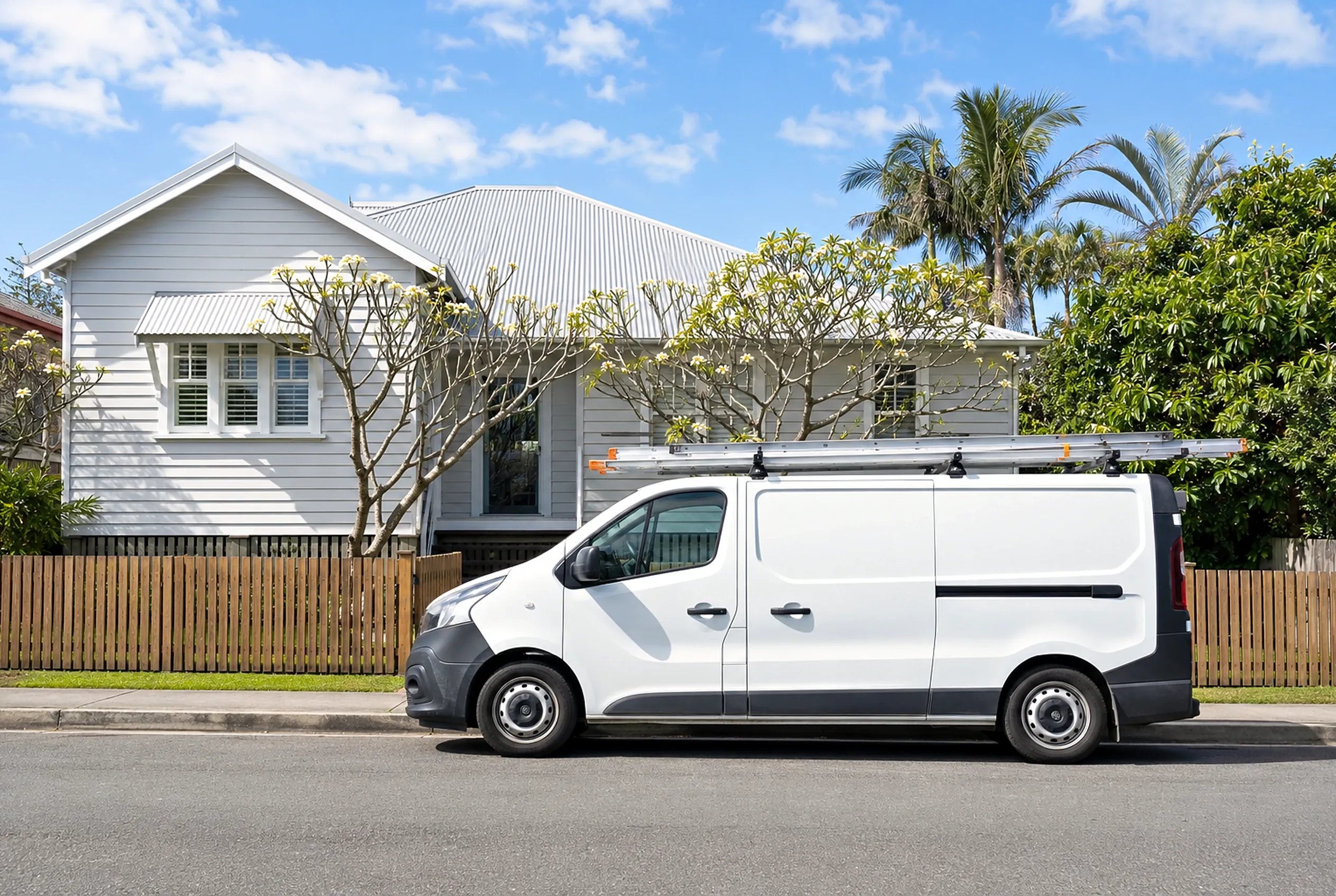
Most trade businesses run from home, and customers never visit. Google’s instruction for that setup is direct: if you don’t serve customers at your business address, remove the address from your profile. The business stays fully findable through its service areas. Worth knowing too: PO boxes and virtual offices are not eligible as an address, unless the virtual office is staffed during business hours and receives customers.
Service areas, and what they actually do
With the address removed, service areas tell customers where you work. You can add up to 20, by city, postcode or another named area, and not as a radius around your base. Google’s guidance on size is that the overall boundary should sit within about two hours of driving time from where the business is based.
Google describes the service area as information shown to customers, and nowhere says that listing more areas improves your position. Distance from the person searching stays one of the three factors regardless. So set the areas you genuinely service, not the widest area you can claim.
Hours, services and photos
Keeping your hours current is on Google’s own list of what helps, so change them when the business does. List your services as the work you actually take on, named the way a customer would say it, because relevance is Google matching your profile to the words in a search. Photos and videos are on the list too. Real photos of finished jobs do the work here, and a modern phone takes a good one: tidy the area, shoot in daylight, and step back far enough to show the job in its space.
Nothing else on the profile, posts included, is confirmed by Google to affect your ranking. Add those things when they help a customer decide, not as ranking work.

Reviews, the ongoing job
The settings above still reward attention: sharper service descriptions, photos of the latest finished jobs, hours that match how the business runs now. Reviews are different. They only arrive one finished job at a time, and replying to them sits on Google’s own list of what improves your presence.
The ask works best built into finishing the job. Same words, same moment, every time, so it happens without anyone having to remember it. Google supplies the mechanism: a review link or QR code, created inside your profile, that takes the customer straight to the right place. Send it with the final invoice or the handover message. Google also asks that customers not be pressured to write the review on the spot, so make the ask in person if you like, then let the customer use the link when it suits them. One thing worth telling customers: they need to be signed into a Google Account to leave a review, but it does not need to be a Gmail address. Any email they already use can be attached to one.
Two rules sit around the ask. Offering anything in exchange for a review, a discount included, is prohibited as fake and misleading content. So is screening: you cannot discourage negative reviews, or send the link only to the customers you expect five stars from. What the rules leave open is exactly what a good business wants anyway: asking every customer for an honest account of a genuine job, with nothing attached.
Replies are the other half of the habit, and the half Google names directly. Two or three sentences is plenty. Thank them, mention the job, done.
How many reviews do you need? Google does not publish a number, and no count is confirmed to unlock a better position. Which means the habit beats the target. A business that asks at the end of every job never has to think about the count again.
What the count buys is reach. Here is what Google returned for a search for an electrician in New Farm, Brisbane, on 2 August 2026, ads left out:
| Position | Rating | Reviews | Distance |
|---|---|---|---|
| 1 | 5.0 | 13 | 650 m |
| 2 | 4.9 | 750 | 3.0 km |
| 3 | 4.9 | 624 | 2.2 km |
| 4 | 4.0 | 4 | 850 m |
| 5 | 4.9 | 1,100 | 3.6 km |
The distances matter as much as the counts. The two businesses inside New Farm rank with 13 and 4 reviews, because they are right there. Every business on that list from outside the suburb brings hundreds of reviews: 750, 624, 1,100. Being close can put you on the list on its own. Being found beyond your own suburb is what the review count buys, and unlike distance, the count is something every finished job adds to.

The profile is one of the signals
A customer comparing two or three businesses is building a picture of who seems most trustworthy, and every channel they find feeds that picture: the profile with its reviews and photos, the website the profile links to, the socials if they go looking. Even on a smaller quote-led job, clicking through to the website is often part of the checking, and what they find there either backs up what the profile promised or leaves them wondering.

So the profile and the website are two halves of the same thing. The profile earns attention with reviews, photos and accurate details, and often settles the first question on its own: whether you do their kind of job. The website adds the detail behind the profile: the projects, the standard of the work, what you will be like to deal with. And the website is a signal in its own right, because a great website shows a business that puts attention and care into every part of how it runs. Our guide to websites for tradies covers that side in detail.
Frequently asked questions
How do I rank higher on Google Maps?
How many categories should I choose for my Business Profile?
Can I add my suburb or my trade to my business name?
How many service areas should I set?
Should my home address be on my Business Profile?
Do customers need a Gmail address to leave a Google review?
How we can help
Modern websites, brand identity, visual assets, and content - built to help your business get found and look the part.
- 01
Get in touch and
tell us what you need. - 02
Review where you are
and what is holding you back. - 03
Get a clear proposal
with scope and pricing.
No obligation, no hard sell.
Based in Northern NSW · Australia-wide
Message sent
Thanks, your message is on its way. We read every enquiry personally and will be in touch soon.