Job management software for trades: how to choose
Cut seven job management platforms down to the right one for your trade business: what each was built for, what it can do, and a first month that sticks.
This guide compares ServiceM8, Tradify, Trak, Fergus, Ascora, AroFlo and Simpro based on the type of trade business each one suits. You will see how they differ on scheduling, quoting, invoicing, field work, stock, maintenance and pricing.
By the end, you should have a shortlist of two platforms to trial, a clear set of features to test and a practical plan for your first month. North Point Digital has no commercial relationship with any platform covered here.

Start with your business, not the software list
Feature lists all read well. Describe your own business first: the wrong shape of platform is the usual reason a system gets abandoned six months in. Five questions do most of the narrowing.
How many people are in the field, and are they employees or subbies?
This decides what you pay and how subcontractors get access.
Is the work many short jobs, or fewer long ones?
High-volume service calls and multi-stage projects pull a system in opposite directions.
Do you carry stock, or look after customer equipment you come back to?
Inventory and asset registers only exist in some of these products.
Do you run recurring or contracted maintenance?
Automatic recurring jobs and service schedules divide the lighter and heavier platforms.
Who does the office work, and what do they run the accounts on?
The platforms differ in how much of the office job they take on.
Your answers point at a shortlist.
| Your shape | Worth a trial first |
|---|---|
| One person, many short jobs, simplest possible admin | ServiceM8, Trak, Tradify |
| Small crew of employees on service calls and quoted jobs | ServiceM8, Tradify, Fergus |
| Crew that runs subbies on most jobs | Trak, Fergus |
| Stock on the shelf, or customer equipment you service repeatedly | Ascora, AroFlo, Simpro |
| Contracted maintenance across many sites | AroFlo, Simpro, Ascora |
| Ten or more in the field, or more than one division or brand | Simpro, AroFlo, Ascora |
Most businesses land on two or three names. Two is enough to trial properly.

Check what you already pay for
Every platform here has been shipping steadily, and the AI additions have almost all landed since 2024. The capability you are shopping for may already sit in a tier you hold, or one tier up, connected to your data.
The platforms worth knowing
Seven platforms come up consistently in Australian shortlists. Here is what each vendor built its product for, and where that design intent stops.
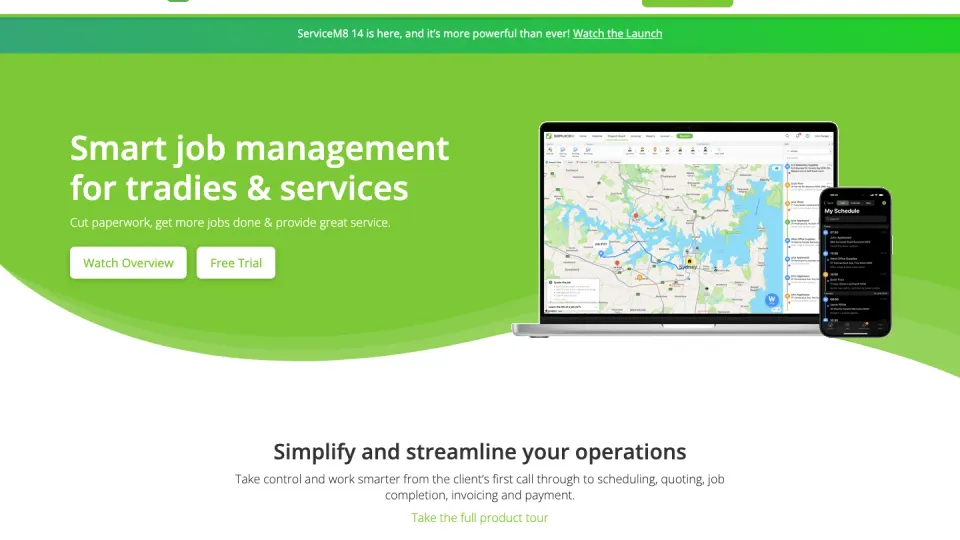
- Flat monthly by job volume
- Free plan or 14-day trial
- High-volume short jobs
ServiceM8
An Australian company, founded in 2009, built for small businesses with a mobile workforce and a high volume of smaller, shorter jobs.
It is the quickest of the seven to get running, and the field app carries most of the product. Its design centre is the iPhone and iPad; the Android app is ServiceM8 Lite, a simpler app for technicians, subcontractors and temporary workers who do not need the full iOS app.
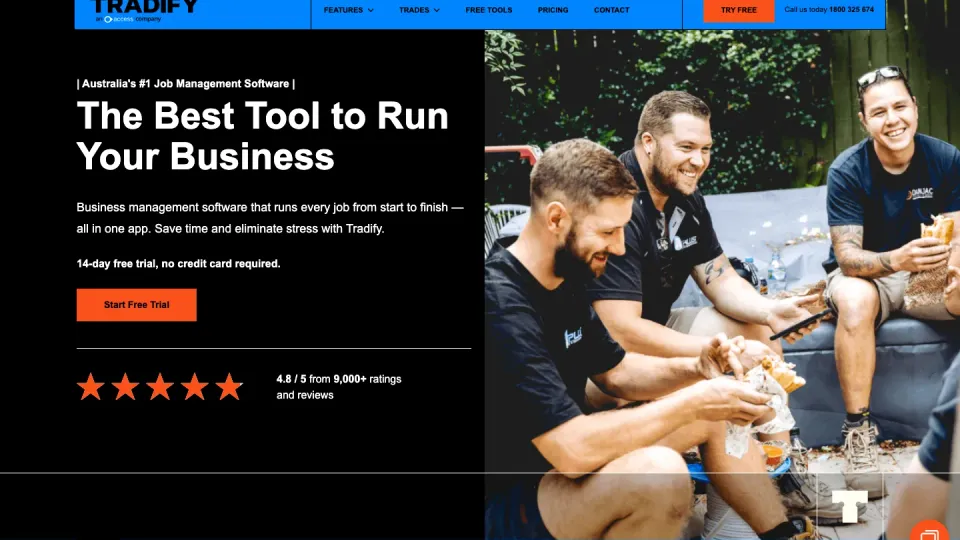
- Per user, before GST
- 14-day trial, no card
- Electricians, plumbers, HVAC
Tradify
Purpose-built for electricians, plumbers, gas engineers, HVAC techs and property maintenance, from sole traders up to larger teams, on iOS, Android and the web.
Australian price lists from Rexel, Ideal, John R Turk and Lear & Smith come formatted for import. The vendor states plainly that it does not work offline, so it suits work inside coverage.
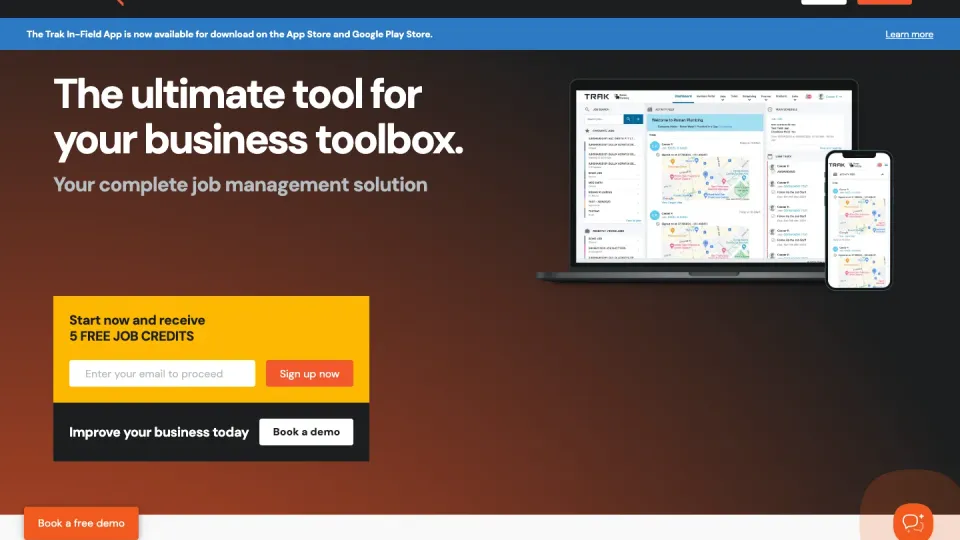
- Per job created, unlimited users
- Free Basic plan
- Subbie-heavy crews
Trak
Melbourne-built, with the most unusual pricing model of the seven: per job created, with unlimited users and subcontractors at no cost, which suits subbie-heavy crews in particular.
Customisable SWMS, licence and certification tracking and a client booking form are on every tier, with supplier integrations for Burdens and Voltex. Its published pages settle fewer questions than the others', so a trial has to do more of the work.
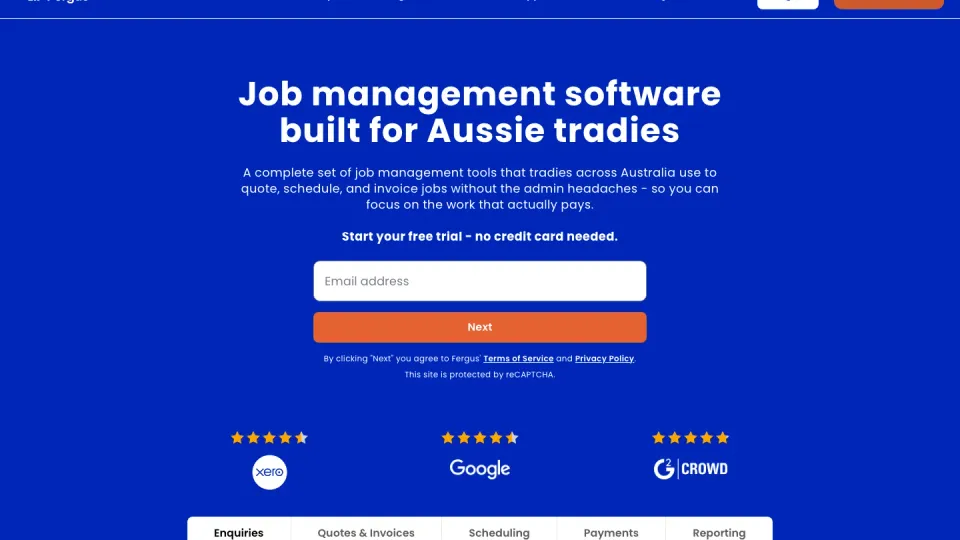
- Per user, before GST
- 14-day trial + free onboarding
- Crews of 1 to 20+
Fergus
Built for the way Aussie trades businesses actually run, mostly crews of one to twenty, scaling to fifty and above.
Its centre of gravity is the money side of a job: quoting, back-costing and seeing a job's margin while it is still running, wired tightly into Xero or MYOB. It tracks items for costing and invoicing rather than running stock control.
- Per user, AUD
- 14-day trial, no card
- Solo to 50+ technicians
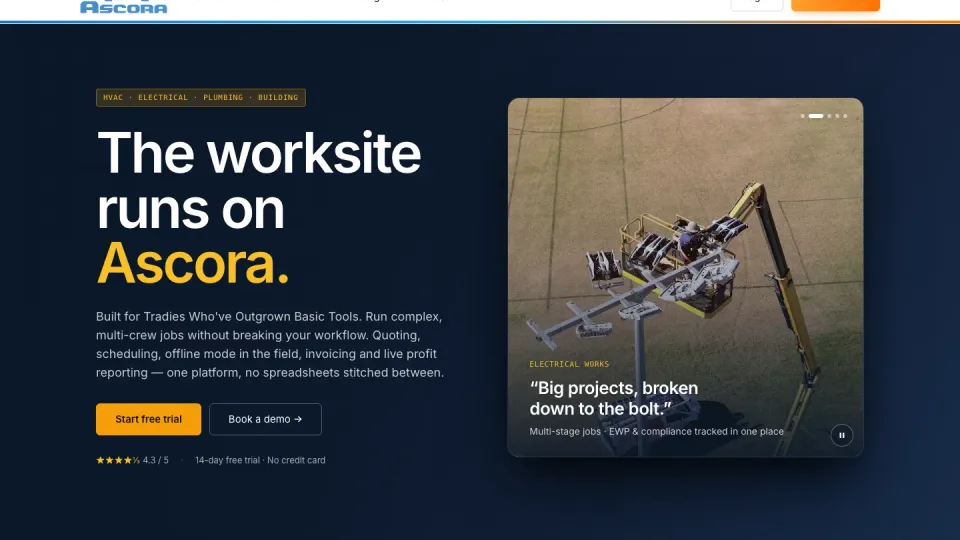
Ascora
Designed, built and supported from Perth, for trade businesses scaling from solo operators to fifty-plus technicians.
Its depth is in equipment: status, category, location, owner and warranty tracked for every piece of kit, with recurring maintenance automated against service dates. Full offline access is on every tier, syncing when the phone comes back into range.
- Per user, minimum three
- Demo, published start-up cost
- Full job-lifecycle crews
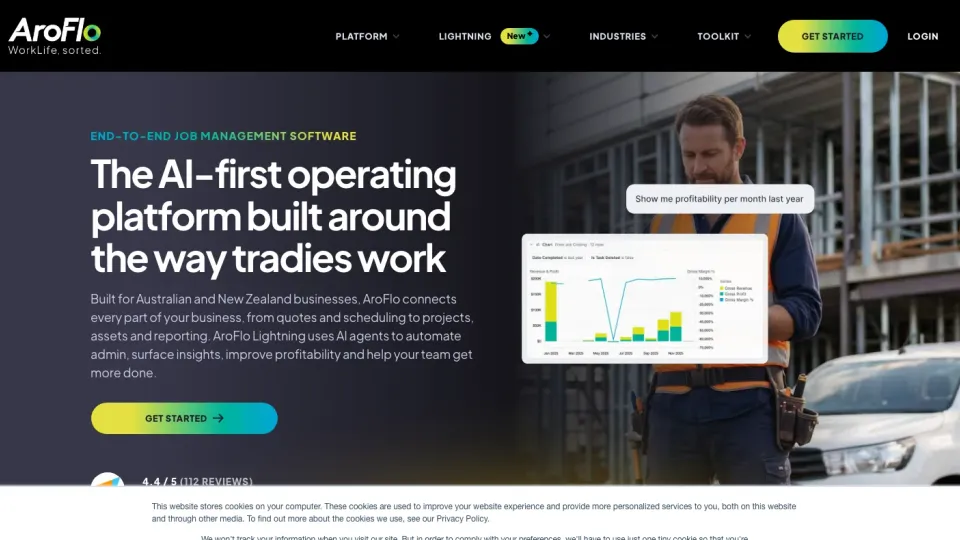
AroFlo
Founded by an Australian electrician, headquartered in Melbourne and now part of the Simpro Group.
It sells a single plan covering the whole job lifecycle, from quoting through compliance, inventory, assets and invoicing, with WHS included rather than tiered. There is no self-serve trial, which fits a product sold to an established crew committing properly.
- Quoted per business
- Demo + consultant setup
- Multi-branch contractors
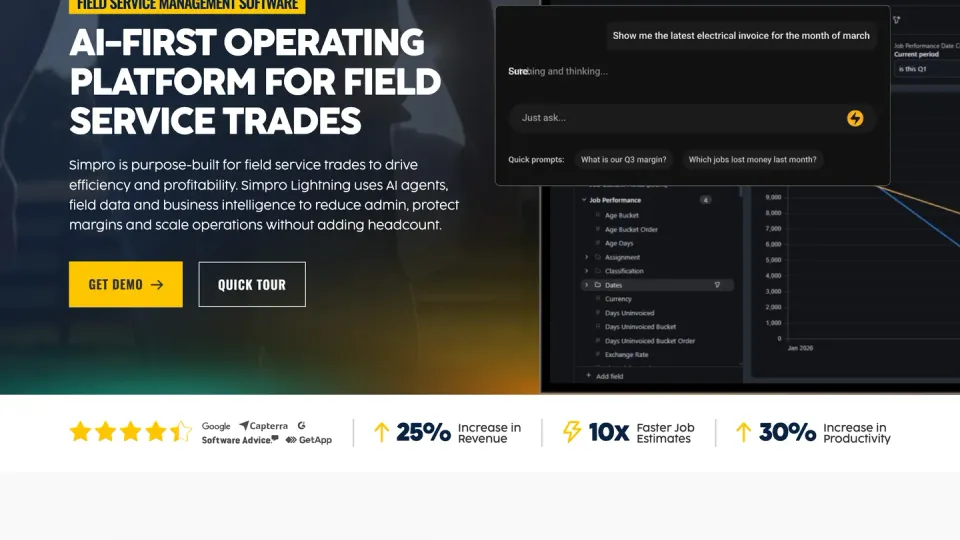
Simpro
Sits at the heaviest end: growing contractors and larger operators in electrical, plumbing, HVAC, fire protection and security, up to multi-branch businesses.
Pricing is quoted per business, and implementation is consultant-led through a process the vendor suggests planning around 60 days for. It is what you move to when there is real operational complexity to run.
FieldPulse and NextMinute also serve this market and are worth a look if none of the seven fits.
One note on review scores: the volume is on Capterra and the app stores, not G2, where only Simpro carries a large sample. Read the count before the score.

What the software can actually do for you
Feature names blur together on sales pages, so here is what they mean in a working week, grouped by where the benefit lands.
Winning the work and pricing it right
Your labour rates, standard materials and markups live in the system as a price book, so a quote that used to wait for a night at the desk gets built on site or the same evening, goes out as a clean branded PDF, and follows itself up if it goes quiet. Job costing then runs while the job does: hours, materials and supplier bills land against it as they happen, so a job heading over budget shows up while there is still time to do something about it, not at invoice time.
Running the day without the phone tennis
Every job sits on one calendar, and each field person opens the app to today’s jobs, the address, the notes and the history, instead of a 7am round of calls. Recurring and contracted maintenance books itself: set the schedule once and the jobs create themselves, so contract revenue stops depending on someone remembering. Timesheets come in from the field as the week runs, priced against the jobs they belong to.
A job record that builds itself
Photos, notes and files attach to the job as the crew works, and safety and compliance forms are filled in and signed on the phone before work starts, so the paperwork exists because the job happened rather than because someone caught up on it later. For maintenance businesses, every piece of customer equipment can carry its own service history, warranty and location, which is exactly the record that wins and keeps commercial contracts. Where coverage is thin, offline modes hold the day’s work and sync it back when the signal returns.
An office that mostly runs itself
Purchase orders are raised from the job, supplier bills are photographed or emailed straight onto it, and payment is taken by card in the driveway with the invoice sent before the van leaves. Automated messages carry the booking confirmations, on-the-way texts, quote follow-ups, payment reminders and review requests nobody has time to send by hand. Everything feeds the accounting package so nothing is typed twice, and the reports at the end of the month tell you which work actually pays.
Take this list into the trial or the demo and tick off what your business needs, in the tier you would actually pay for:
Win and book the work
Quoting with your own price book, online booking or a customer portal, card payments on site, and automated customer messages.
Run the field team
Scheduling and dispatch, recurring or contracted maintenance, timesheets, photo and file capture on site, and offline use where coverage is thin.
Control costs and materials
Job costing while the job runs, purchase orders, supplier invoice capture, and inventory and stock.
Keep records and systems connected
Asset and equipment service history, safety and compliance forms, useful reporting, accounting sync in the right direction, and an open API where other systems need access.
What the AI features actually do
The useful AI features in job management software handle a few specific kinds of admin. They do not decide which platform fits your business, but they can remove repetitive work once the right system is in place.
Reading supplier bills
A photographed, digital or handwritten bill can be read and added to the job without someone typing every field. AroFlo, Ascora and Tradify all offer versions of this, reducing office work and the chance of a costly transcription error.
Writing customer messages and job descriptions
AI can draft emails, texts, quote descriptions and invoice notes using information already held against the job. ServiceM8 offers this across several parts of the product, while Tradify includes SmartWrite on its top tier.
Answering questions and actioning tasks
Voice assistants can find information in the system and carry out routine actions without navigating through every screen. ServiceM8 includes this capability, with a daily allowance on its free plan and uncapped use on paid plans.
Building schedules and handling calls
AI scheduling can build a daily run around technician location, skills, licences and certifications. Simpro offers this through its Lightning upgrade, which is also available to AroFlo customers. Its marketplace lists separate AI receptionists that answer and book calls.
Fergus and Trak had shipped no AI features of their own at the time of checking, though Fergus can connect external AI assistants through its interface and public API.
These features move quickly enough that last year’s list is already out of date. Check what is included in the tier you would actually buy. Where AI helps across the rest of a trade business is covered in our guide to AI for tradies and construction.
What it really costs
Headline prices across these seven tell you almost nothing. They are sold on different bases - flat monthly by job volume, per user, per job created, or a custom quote - and the extras (SMS, card fees, setup, GST treatment) change the real number again.
Treat every figure on a sales page as provisional. Check each platform’s current Australian pricing for your headcount and job volume, put every quote on the same basis, and ask what a busy month actually costs before you decide.

Getting it running: the first month
The month after the decision is where the money is won or lost, and it rewards the same preparation whichever platform you pick.
Have four things ready before the trial starts
Your customer list
Export it from wherever it lives now: the accounting package, a spreadsheet or a phone. Imported on day one, the trial feels like your business rather than a demo.
Your price book
Have your labour rates, standard materials and markups ready. Several platforms import supplier price files directly, so keep your supplier account details to hand.
Two or three real jobs
Run them end to end, from enquiry or quote to paid invoice. Pick ordinary jobs, not showpieces.
A named owner
One person owns the setup and the decision. Trials that stall are usually trials nobody owned.
What a fortnight tells you, and what it cannot
A fortnight tells you about friction: how long a quote takes, whether the scheduling screen matches how you allocate work, what the field app feels like at 7am, how the invoice lands in the accounting package. Friction is what people quietly work around until the system stops being the record.
What it cannot tell you is what a year of your data makes possible. Reporting, job costing history and maintenance schedules only become useful with volume behind them. Judge the trial on how the daily work feels, not on reports you cannot fill yet.
Set it up in this order
Connect the accounting package first, so customers and invoices flow correctly from the start. Then import customers, then the price book, then your quote and invoice templates. Only then put it on the field team’s phones. Working in the other direction creates the double handling the software is there to end.
Bringing the field team on
Field staff decide whether this works. Start them on the three things that make their day easier: seeing their jobs, capturing photos and notes, and logging time. Leave everything else until that is habit. Put your most switched-on field person on the trial jobs first and listen to what they say.
For the first few weeks the office should read every job record, not as a check on people but to catch setup gaps early: a missing line item, a rate never updated.
What month one looks like when it is working
Every new job is created in the system. Every invoice goes out of it. Supplier bills land against their jobs. Timesheets come from the field as the week runs. And the owner has read one report and changed something because of it.

Questions to ask on a demo call
Vendors run good demos. These questions get past the demo and into your business; write the answers down.
-
What will this cost at our headcount and job volume over a full year, including setup, training and transaction charges?
The advertised plan price rarely shows the full cost. This puts setup, messaging, payments and other usage charges into one comparable annual figure.
-
Which features shown today sit in a higher tier or carry a separate cost?
A polished demo may include tools that are not in the plan being quoted. The answer separates what you saw from what you would actually receive.
-
What does setup involve, who does the work, and what should a business our size have running after the first month?
This reveals the workload on your team, the help included from the vendor and whether the proposed launch timetable is realistic.
-
How do we bring across our customer list and price book, and what help comes with the import?
Clean imports save days of rebuilding records by hand. They also determine how quickly a trial starts to feel like your real business.
-
Which of our suppliers can feed price files or invoices straight in?
Direct supplier feeds reduce repeated data entry, keep material prices current and make job costs more reliable.
-
What syncs with our accounting package, in which direction, and how do we fix a sync that goes wrong?
You need to know which system owns customers, invoices and payments. Otherwise duplicate records and conflicting changes become office work.
-
What does the field app do with no reception, and what happens when it comes back?
If your team works outside coverage, offline limits affect whether they can finish a job or only view old information. The resync also needs to be dependable.
-
What does a field person who only needs today's jobs and a timesheet see when they open the app?
Adoption depends on the daily view being simple. If basic tasks are buried, the team will work around the system instead of using it.
-
What changes, in the product and in the price, when we double our size?
This shows whether the pricing model, permissions and office workload will still suit the business after the next round of growth.
Every platform here answers these well inside the work it was designed for; you are listening for fit, not quality. No vendor can make that judgement for you, so have your headcount, monthly job volume and plans for the next year or two written down before the call.
Frequently asked questions
What is the best job management software in Australia?
How much does job management software cost in Australia?
Do I need job management software if I already use Xero or MYOB?
How long does job management software take to set up?
What is the difference between job management and construction project management software?
Is there free job management software?
How we can help
Modern websites, brand identity, visual assets, and content - built to help your business get found and look the part.
- 01
Get in touch and
tell us what you need. - 02
Review where you are
and what is holding you back. - 03
Get a clear proposal
with scope and pricing.
No obligation, no hard sell.
Based in Northern NSW · Australia-wide
Message sent
Thanks, your message is on its way. We read every enquiry personally and will be in touch soon.