Photos for your business website: real, AI or both
Which images on a local service website must be real photos, how to take them well on a phone, and which AI tool covers every other image the site needs.
The photos of your work, your team and your premises should be real. Customers read them as evidence, and Australian consumer law expects the images a business uses to be accurate. Nearly everything else a website needs, hero backdrops, illustrative scenes, graphics and blog images, can now be generated or edited with AI, and the right tool depends on what the image has to do. The strongest results come from combining the two: real photos of real jobs, improved and extended with AI.
The photos a local service website actually needs
The images on the site fall into a handful of slots.
- Photos of the work. The gallery, the service pages, the proof that the standard is what the site says it is.
- The team. Who turns up, from the owner to the apprentice.
- The premises. Only if customers visit. A showroom or workshop earns a photo; a home office does not need one.
- The hero. The large image at the top of a page, setting the tone rather than proving anything.
- Supporting imagery. Blog images, illustrative scenes, social tiles, quote graphics, the visual furniture every modern site carries.
The line through that list is the difference between evidence and furnishing. Work, team and premises are evidence: a comparing customer treats them as claims about your business, and they have to be real. The hero and the supporting imagery are furnishing: they set the feel of the site without claiming to show your jobs, and they can be made.
Which side of the line an image sits on decides where it comes from. Evidence comes out of a camera pointed at the real thing, and the phone in your pocket is usually enough. Furnishing can be generated from a description, or built from photos you already have.
The photos that have to be real
A homeowner weighing up two or three businesses is looking for reasons to trust one of them, and the photos are where much of that trust is won or lost. Google’s own guidance for Business Profiles says the same thing about the people searching: category-specific photos help them decide, and team photos present a more personal side of the business. The same instinct follows the customer from your profile to your website.
That is the practical reason the evidence photos stay real. There is a legal one too.
The ACCC’s guidance is direct: any information or claim a business provides about its products or services must be accurate, truthful and based on reasonable grounds, and it names images among the things that rule covers. Any statement that creates a false impression about goods and services can be breaking the law, and it makes no difference whether a business intends to mislead or not.
None of that is written against AI in particular. It applies just as much to a stock photo standing in for your own work, which is why the long-standing rule for stock holds: fine as decoration, never presented as your work. A photo offered as your job, your team or your premises has to be a photo of the actual thing.
Whether a customer can tell is the wrong question. Some generated images pass unnoticed and some do not, and the tools improve constantly. The accuracy rule does not depend on anyone spotting the image, and neither does the cost: one image that turns out not to be real puts a question mark over every image that is. The photos are there to build trust, so the evidence slots are the last place to take that risk.
Taking them with the phone in your pocket
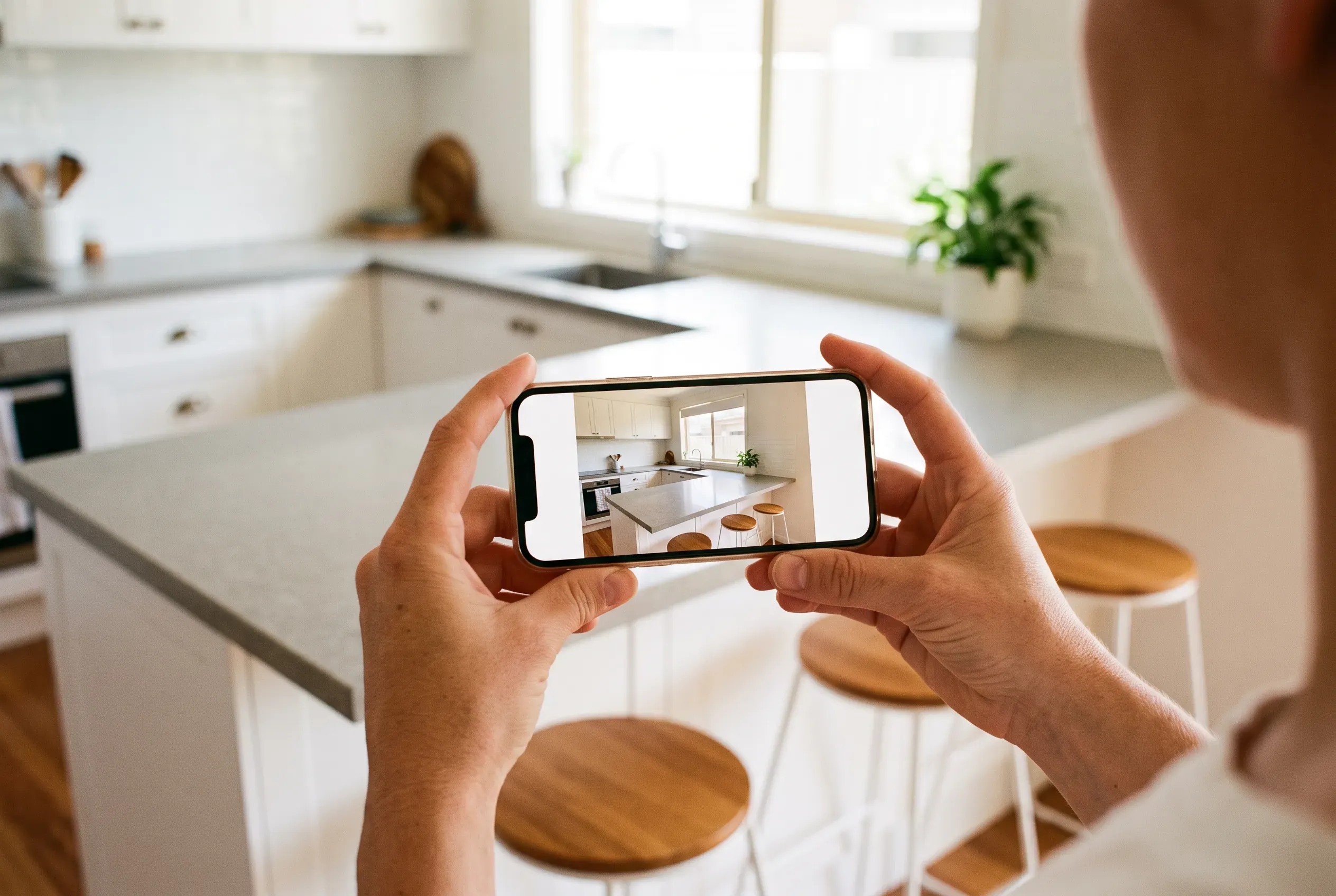
A modern phone takes a photo good enough for a website, and has for years. The gap between an ordinary work photo and a convincing one is habits, not hardware.
- Shoot in daylight. Natural light flatters almost every trade’s work. Open the blinds, turn the lights on as well, and avoid shooting into a bright window.
- Tidy first. Two minutes moving tools, cords and drop sheets does more for a photo than any edit afterwards.
- Step back, then step in. A wide shot that shows the finished job in its space, then a close shot of the detail you are proud of. The pair tells the story on its own.
- Photograph the finish, not just the progress. Progress shots have their uses, but the finished job is what a comparing customer is trying to picture. Before-and-after pairs work especially well for renovations, bathrooms and landscaping.
- Faces only with a yes. Team photos are worth having, and so is the habit of asking before anyone’s face, a customer’s included, goes on the site.
- Take more than you need. Several angles, several distances. The best frame is rarely the first one.
The same photos do double duty on your Google Business Profile, where Google asks for images that are in focus, well lit, and free of significant alterations or heavy filters. Our guide to Google Business Profile optimisation covers where they go and what else moves the profile.
Where AI images earn their place
Everything on the furnishing side of the line is fair ground, and AI now does that work quickly and to a high standard.
The line is worth holding firmly. Anything presented as your business, your work, your team or your premises stays real. Everything illustrative, hero backdrops, concept scenes, blog images, graphics and social tiles, can be generated, because it furnishes the site without making a claim about you. Hold that line and AI imagery is simply a faster, more flexible way to do work that was always going to be done.
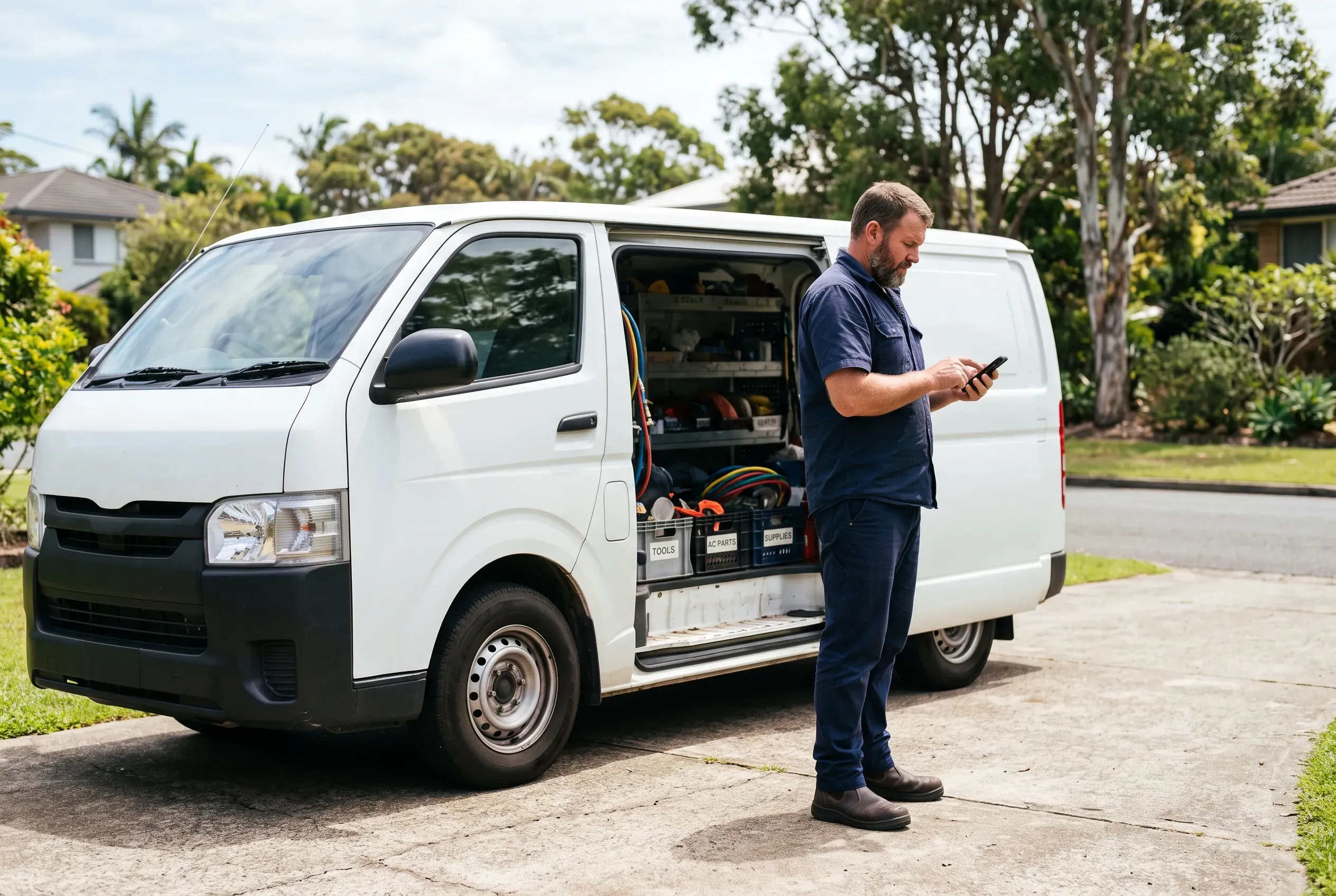
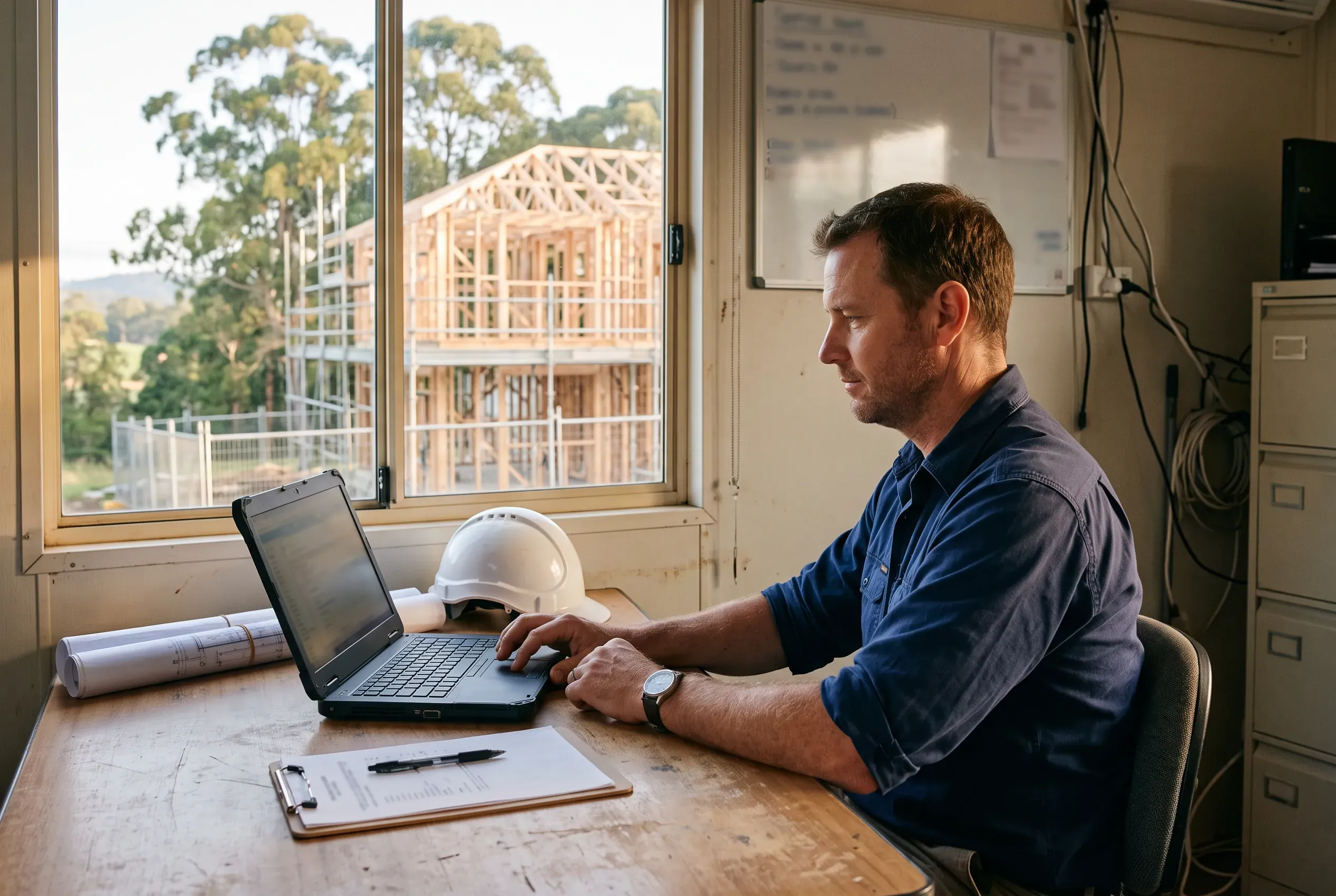
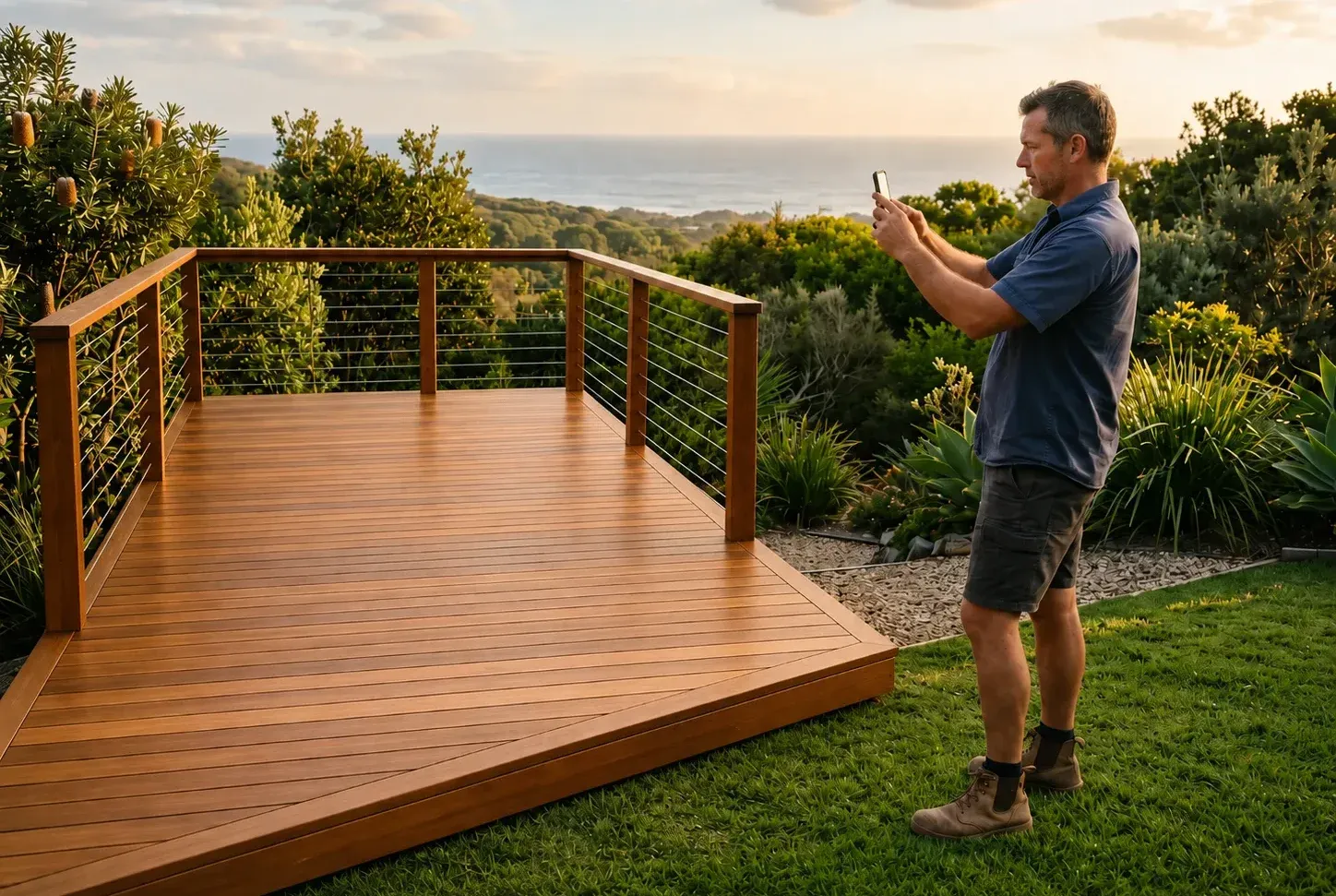
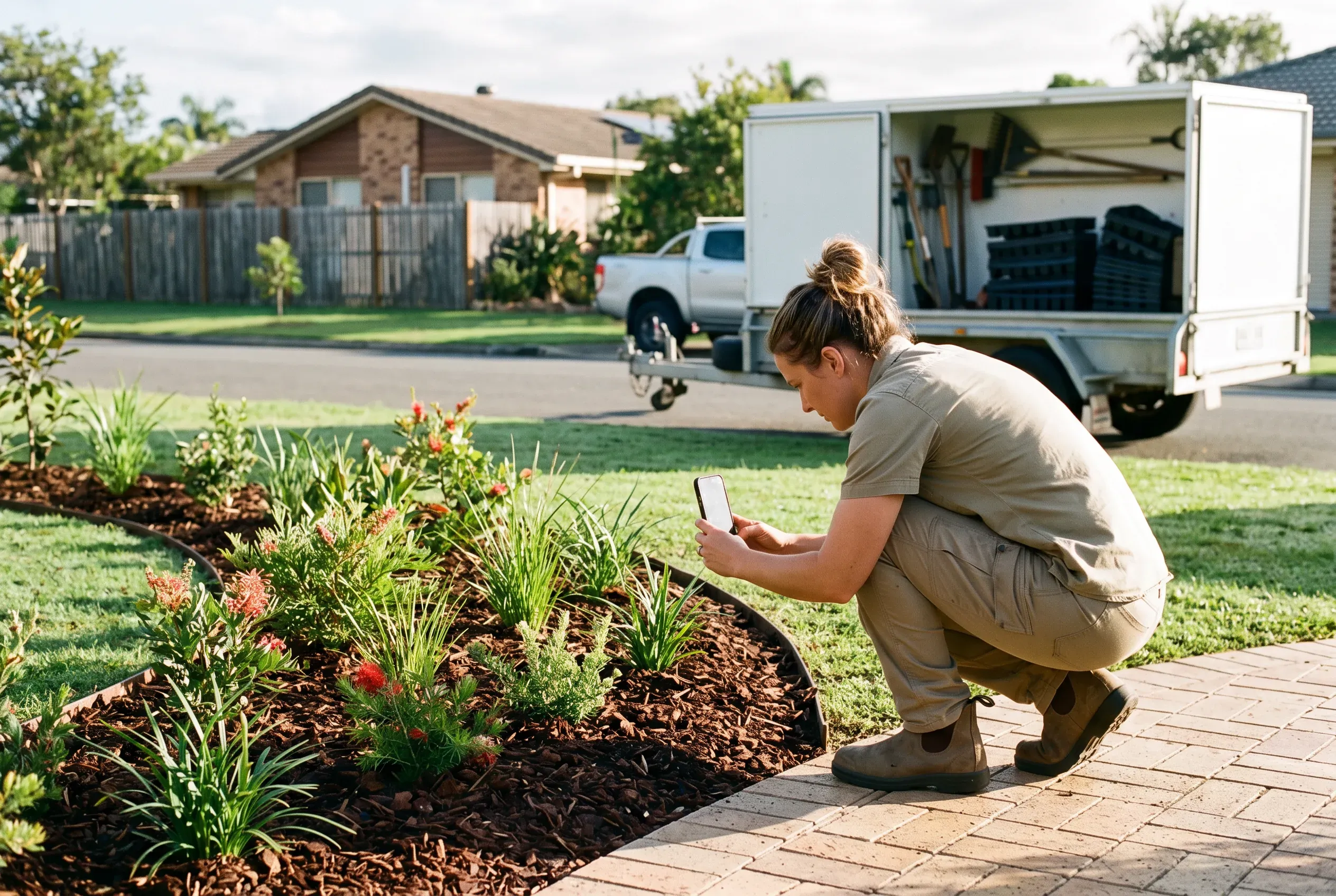
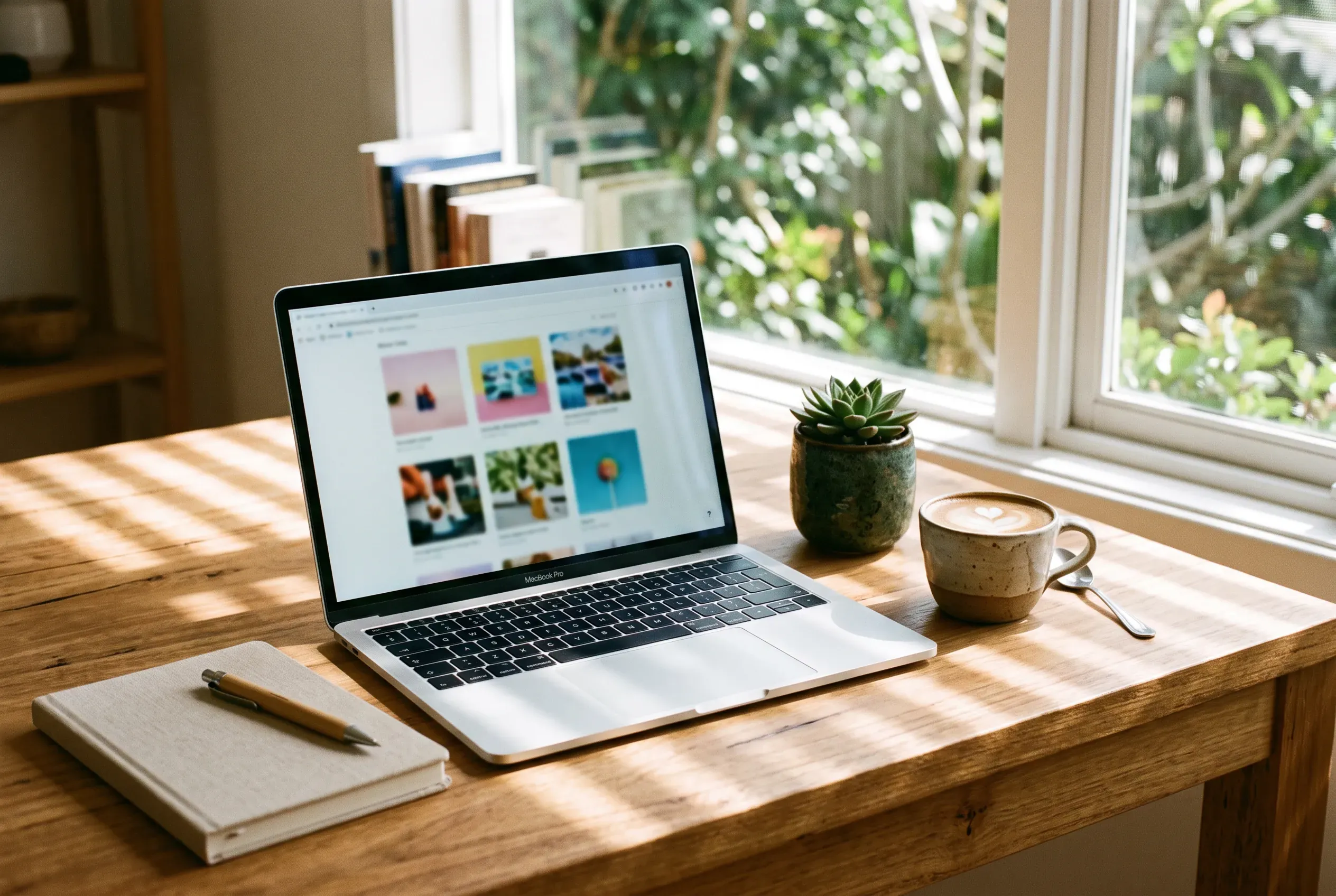
Will it look fake? The honest answer is that the current tools have moved past the obvious tells, and the images in front of you are the demonstration: every image in this article is AI generated. If they read as photographs on the way down the page, that is the point.
Disclosure is the simple way to stay comfortable with all of it. Canva’s AI terms ask users to let viewers know when content is AI generated, and that instinct is a good general one: a short line where it matters costs nothing, and a business that is open about its illustrative imagery never has to manage the question. The evidence photos stay real, the furnishing is honestly made, and there is nothing to catch.
Search does not change any of this. Google’s published guidance on images is about description and delivery, not origin: alt text it can read, short descriptive filenames, modern formats such as WebP and AVIF, and images placed near relevant text on pages relevant to their subject. An image handled that way is doing its search work whatever made it.
The tools, mapped to jobs
Model names, version numbers and prices all change quickly; what each tool is best at changes slowly. So the durable way to choose a tool is by its strengths, and the durable way to think about cost is by its shape: whether there is a free tier, a monthly plan or pay-as-you-go credits. The current numbers live on each tool’s own pages.
ChatGPT
ChatGPT is the fastest start, because image generation is available on every tier, free included, inside a chat many owners already use. You describe the image, then refine it in conversation. Editing works the same way: select part of an image and describe the change, or skip the selection and just describe it. You can also upload your own photo and have it edited or restyled. Text inside images is a particular strength, with successive releases handling denser and smaller text, and any aspect ratio is available from a picker or the prompt itself.
The jobs it suits: quick concepts, blog images, graphics with words in them, and finding out what you actually want before spending time anywhere else.
Google Gemini
Gemini’s image model, Nano Banana 2, is available on the free tier, and it leans toward editing as much as generating. Upload a photo and ask for changes in plain language. Upload several and have them combined into one image. Take the texture, colour or style of a reference photo and apply it to a new subject. It renders clear, legible text, which Google pitches at logos, invites and posters, and it can maintain the look of a person across a set of generated images. Paid plans add higher-resolution downloads and regeneration with the Pro model.
The jobs it suits: photo editing without new software, sets of images that share a subject, and a capable free starting point.
Midjourney
Midjourney’s pitch has always been the look of the image, and its current model is explicitly focused on aesthetics and image quality. There is no free tier; you subscribe to a monthly plan and work in its web app. Two features reward the commitment. Style Reference captures the visual feel of an existing image, the colours, medium, textures and lighting, and applies that feel to new images without copying what is in the original, which is how a set of images comes out looking like one brand. Personalization learns your taste from the images you like and folds it into everything you make. The web Editor erases and regenerates regions, changes aspect ratios, and works on your own uploaded photos as well as generated ones.
The jobs it suits: hero images, developing the visual identity of a site or campaign, and any image whose whole job is to be looked at.
Canva
Canva’s advantage is context: many owners already make their social posts and quote graphics in it, and the AI sits inside the same editor as the templates and the resize button. Magic Media generates images from a prompt, and Dream Lab is its higher-end image generator. Magic Edit changes part of a photo from a written prompt, Magic Grab makes any image editable like a template, and Magic Expand extends framing, rescuing a too-tight crop or turning a vertical shot into a horizontal one. The paid plan adds one-click background removal, instant resizing for any platform, and a Brand Kit that keeps your colours, fonts and logo in one place, so generated images land in designs that already look like your business. The AI tools are available on the free plan, with more usage on paid plans.
The jobs it suits: social tiles, quote graphics, anything that needs the logo on it, and images that go straight into a design rather than out to a file.
Adobe Firefly
Firefly’s position is commercial safety. Adobe says it designed Firefly to be commercially safe, training its commercial model on Adobe Stock images, openly licensed content and public domain material, and it offers IP indemnification for generated content on qualifying business plans. Partner models from Google, OpenAI and others are available inside the same app, with the commercially-safe designation applying to Adobe’s own models. For real photos, Generative Fill adds and removes content with a text prompt, and Generative Expand extends the canvas: drag beyond the borders of an image and the new space fills with content that blends into the original, which is how a phone photo becomes a wide hero crop. Content Credentials, a durable metadata record of how an image was made, attach automatically to Firefly content.
The jobs it suits: fixing and extending real photos, and work where being able to show where an image came from matters.
Higgsfield
Higgsfield is built around presets and photorealism. Its image model, Soul, comes with large libraries of aesthetic presets and is pitched on images that feel shot rather than generated, which makes it a strong fit for lifestyle and people imagery. Soul ID trains on uploaded photos of one persona and keeps the face consistent across everything it generates, useful for a recurring character or presenter running through a campaign. The platform also aggregates models from other labs, covering images, video and voice in one place, so it doubles as a way to try several models without holding several accounts. Paid plans run on monthly credits and download without watermarks.
The jobs it suits: people and lifestyle imagery, a consistent character across a set, and one roof over many models.
APIs: pay per image, only when you need one
Past a certain volume, the natural next step is an API. fal.ai is the clearest example: a generative media platform hosting more than a thousand production-ready image, video and audio models, including the FLUX family, Google’s Nano Banana models and OpenAI’s image model, all behind one interface. There is no subscription. You pay only for what you use, billed by image count or output size, which can work out cheap for occasional or bursty use compared with holding a monthly plan. Access is an API key and a simple web request.
The step beyond that is the Model Context Protocol, an open standard that connects AI assistants to outside tools. fal runs an official MCP server that works with Claude, which means an assistant can do the generating for you: describe what a page or article needs, and the model is called on your behalf. Set up once, it turns image generation into something you ask for rather than something you operate.
The jobs it suits: volume, automation, and paying only for the images you actually make.
Advanced workflows and prompting
The strongest image on a local service website is usually not a pure generation. It is a real photo of a real job, improved.
Your existing photos are an asset. The job photo with a skip bin in the corner, the finished kitchen shot too tight to use as a banner, the gallery collected over five years in five different styles: each is closer to a great website image than anything generated from scratch, because the evidence in it is real. AI’s job is to remove the bin, extend the crop and pull the set together.
Generative Fill or Magic Edit removes the clutter from a photo you are never going back to reshoot. Generative Expand or Magic Expand extends the framing until a phone photo fills a hero slot. Midjourney’s Editor and Gemini’s conversational editing both work directly on your uploaded photos. And a reference photo’s colour and style can be carried across a set, so images taken years apart read as one gallery.
On the generating side, a few habits separate the results people are surprised by from the ones that get deleted.
- Specifics beat adjectives. Words like professional, stunning and high quality give the tool almost nothing. Describe what would be in the photograph: the place, the materials, the time of day, the light. “Morning sun through a kitchen window onto a stone benchtop” will beat “beautiful modern kitchen” every time.
- Give it a reference. A reference image says more than a paragraph. Style references, reference-photo restyling and personalisation all exist so you can show the tool what you mean instead of describing it.
- Keep the set consistent. Reuse the bones of a prompt and change only the subject. Then lean on the features built for exactly this, style references and a saved persona that holds one face steady across a whole set, rather than hoping ten separate prompts land in the same world.
- One change at a time. Conversational editors reward small moves: fix the light, then the crop, then the background. Regenerating everything at once throws away whatever was already working.
Who owns what, and the rules
The platform question is the easy one. The major platforms let you use what you generate commercially, each with its own conditions. OpenAI’s terms assign ownership of output to you. Google says it will not claim ownership of content you generate. Canva’s AI terms say you own your output and can use it for any legal purpose, at your own risk. Midjourney subscribers own the assets they create to the fullest extent the law allows, with the condition that larger companies need one of the higher plans. Higgsfield claims no ownership over generations and does not restrict commercial use. Terms move, so the current terms of whichever tool you settle on are the ones to read before an image carries weight.
Copyright is the unsettled one. Copyright in Australia is free and automatic, administered by the Attorney-General’s Department. How it applies to material generated with AI is under active review: the government established a Copyright and Artificial Intelligence Reference Group, and improving certainty on exactly this question is among its stated priorities. Until it settles, platform permission and copyright ownership are best treated as different things: the platform letting you use an image is a licence question, while whether anyone owns copyright in it is a question the law has not yet answered. For most website imagery that distinction never matters. For the images you want to own outright, a logo above all, it does.
And the rule that actually bites has nothing to do with AI in particular. The ACCC expects the images a business uses to be accurate and truthful, and any statement that creates a false impression can be breaking the law, regardless of intent. Keep the evidence real and the furnishing honest, and the rule never comes near you.
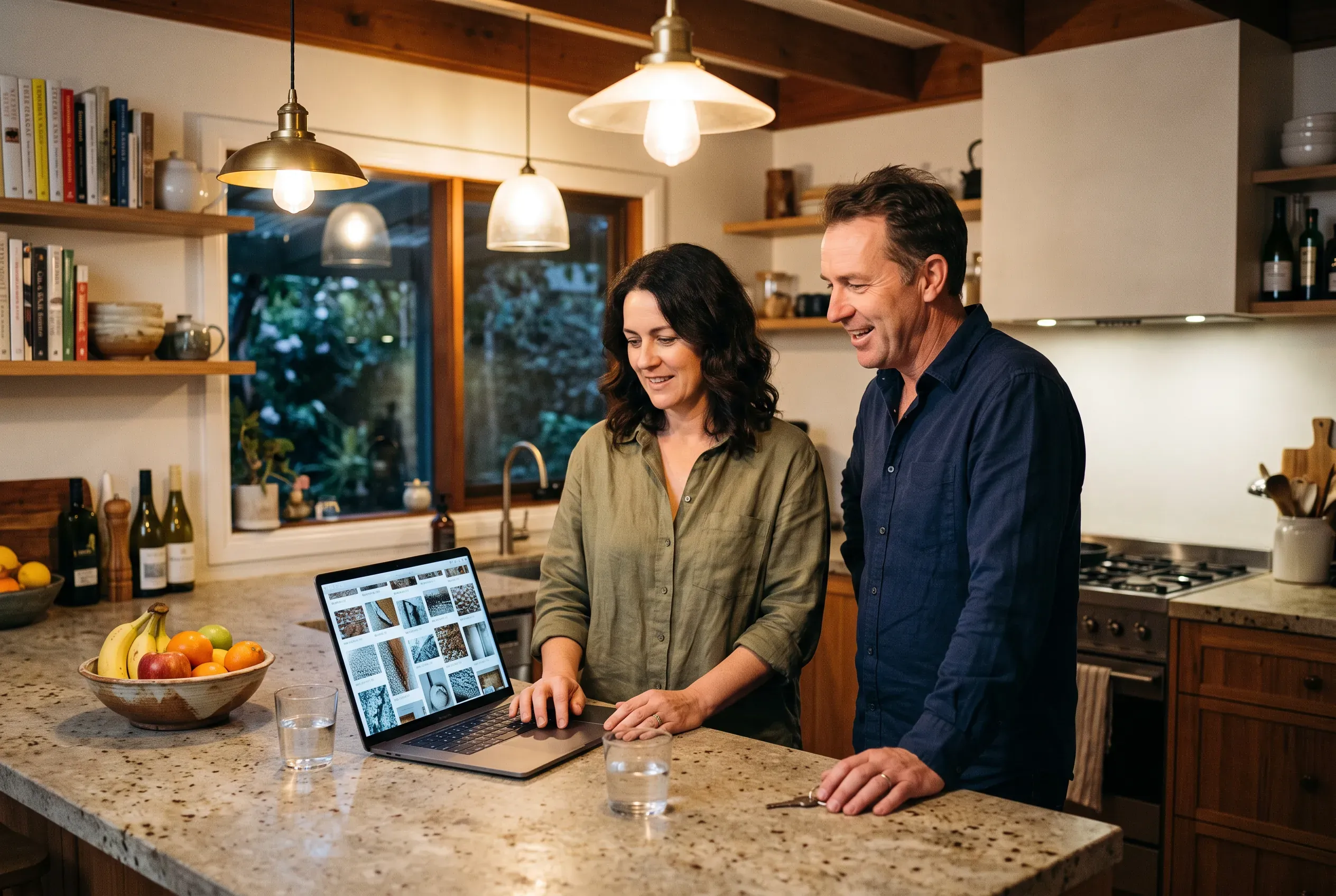
A homeowner comparing two or three businesses builds a trust picture from everything they find: the profile, the website, the reviews, the socials. Every image on the site feeds that picture. The real photos of finished jobs say the standard is genuine. The considered hero and the clean graphics say the business puts care into how it presents itself. The case for taking imagery seriously is the same as the case for every other part of your presence: it works best when every signal points the same way.
Frequently asked questions
Can I use AI-generated images commercially in Australia?
Which AI image generators are free?
Do AI images have watermarks?
Can I use AI images for my logo?
Are AI images bad for SEO?
How many photos should my website have?
How we can help
Modern websites, brand identity, visual assets, and content - built to help your business get found and look the part.
- 01
Get in touch and
tell us what you need. - 02
Review where you are
and what is holding you back. - 03
Get a clear proposal
with scope and pricing.
No obligation, no hard sell.
Based in Northern NSW · Australia-wide
Message sent
Thanks, your message is on its way. We read every enquiry personally and will be in touch soon.